You came back from a trip, a wedding or a long weekend of street photography with 800 frames. Somewhere in there are the ten photos you will still be proud of in five years, and most of them will never be seen, because the folder is too big to face. Choosing is the part of photography nobody teaches, and it matters as much as pressing the shutter: the photographer is judged by the photos they show, not the photos they took.
Separate Culling from Selecting
The most common mistake is trying to do two jobs at once. Culling is removing what failed: missed focus, motion blur, closed eyes, bad exposure, and the twenty near-identical frames of the same burst. Selecting is choosing what is genuinely good among what remains. Culling is fast and mostly technical; selecting is slow and mostly artistic — it's what picture editors simply call editing, and it isn't the same job as culling. Mixing them makes both worse: you agonise over obvious rejects and rush the decisions that matter.
Pass One: Cull Fast
Go through everything once, quickly, with one rule: reject only what is clearly broken or redundant. Use a single flag or a one-star rating and do not stop to compare. For bursts and sequences, keep the best one or two frames of each moment and drop the rest. Expect to remove half of the shoot or more. If you work in a catalog such as Lightroom, this is also where AI culling tools — Aftershoot, Narrative Select or Lightroom's own Assisted Culling — save the most time, because technical defects are exactly what software detects well.
Let the Photos Cool Down
Right after a shoot, every photo is attached to a memory: the effort, the place, the people. That attachment is the enemy of a good selection. If you can, wait a few days before the second pass. Photos that still stand out after the excitement has faded are usually the real ones; photos you liked because of how they felt to take tend to fade with the memory.
Pass Two: Select with Criteria
Now slow down. For each remaining photo, ask the questions an editor would ask, rather than “do I like it?”:
- Aesthetics: is the light, colour and tone working for the image?
- Composition: does the eye know where to go, and is anything at the edges stealing attention?
- Storytelling: does the photo say something about the place, the person or the moment?
- Originality: is this your view, or the view everyone takes from the same spot?
- Moment: is there a gesture, an expression or a coincidence that will never happen again?
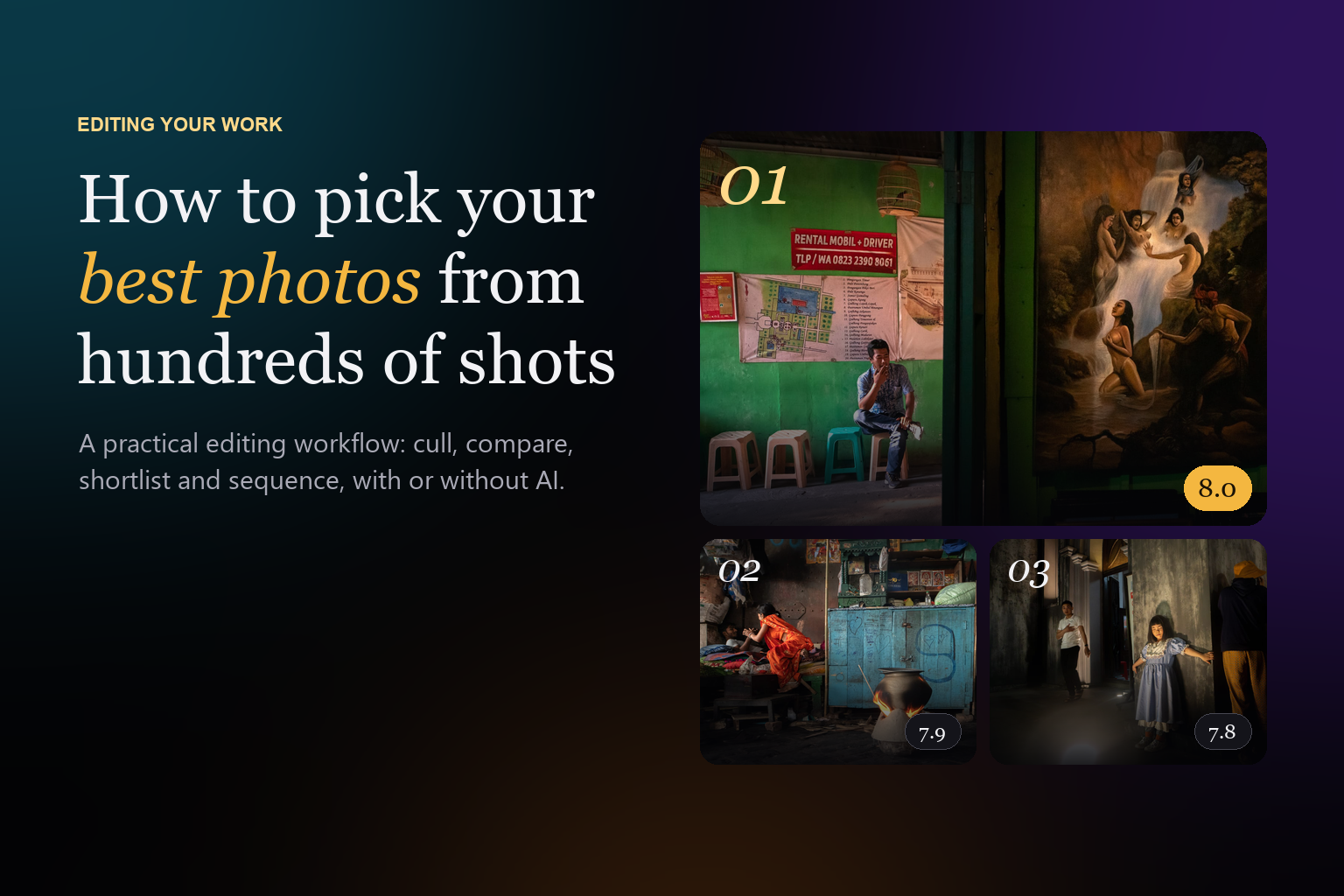
Giving each photo a rough score on these criteria sounds mechanical, but it does something useful: it makes you compare a landscape and a portrait on the same terms, and it exposes photos that are technically perfect but say nothing.
Compare Like with Like
Put similar photos side by side: the three versions of the same street corner, the five portraits of the same person. Choose one per moment. Then compare the winners across moments. Seeing two frames together reveals differences you miss when viewing them one by one: a cleaner background, a better gesture, a horizon that is not quite level.
Decide How Many You Need
The right number depends on where the photos are going, and deciding it in advance makes the last cuts much easier:
- A social post or a message to friends: one to ten photos.
- A portfolio project or a series: usually ten to twenty images that work together.
- A photo book or a family album of a long trip: a larger edit, but still built from the strongest frame of each moment.
- A competition entry: the handful of images that fit the brief best.
Competitions are a special case, because the brief and the jury matter as much as the photo. We cover it in detail in how to choose which photos to enter in a photo contest.
Common Traps
- Keeping the photo that was hardest to take instead of the one that is best to look at.
- Choosing technical perfection over a strong moment with a little noise or softness.
- Keeping several near-identical frames because you cannot decide; they weaken each other.
- Selecting only from the last shoot and forgetting the strong photos already sitting in your archive.
Where AI Can Help
There are two kinds of AI tools for this job, and they solve different steps. Culling tools look for technical defects and duplicates, which is ideal for pass one. AI photo pickers judge artistic qualities, which helps with pass two and with digging through a large archive. Photoreka Picks is the second kind: you drop up to 5,000 photos, an AI jury scores each one on eight artistic criteria (aesthetics, composition, storytelling, originality, message, humor, visual games and spontaneity) and writes a one- or two-sentence critique explaining its score. You can then switch between street, documentary, landscape or award juries and watch the ranking reorder itself. Your originals never leave your device: only a small thumbnail of each photo is sent for judging.
Use it as a second opinion, not a verdict. The value is not that the AI is always right, but that it looks at every frame with the same eye, never gets tired at photo 600, and has no memory of how cold it was when you took the shot. If you want the same second pass permanently across your body of work, that is what Photoreka's AI culling and Photo Scoring do inside an account, on up to 50,000 of the photos you kept. And once you have your final set, putting it in order is the last step of the edit.
Find your best photos
Let an AI jury rank your next shoot
Try Picks free with 10 of your own photos: scores on eight criteria and a written critique for every frame. No account, no card.