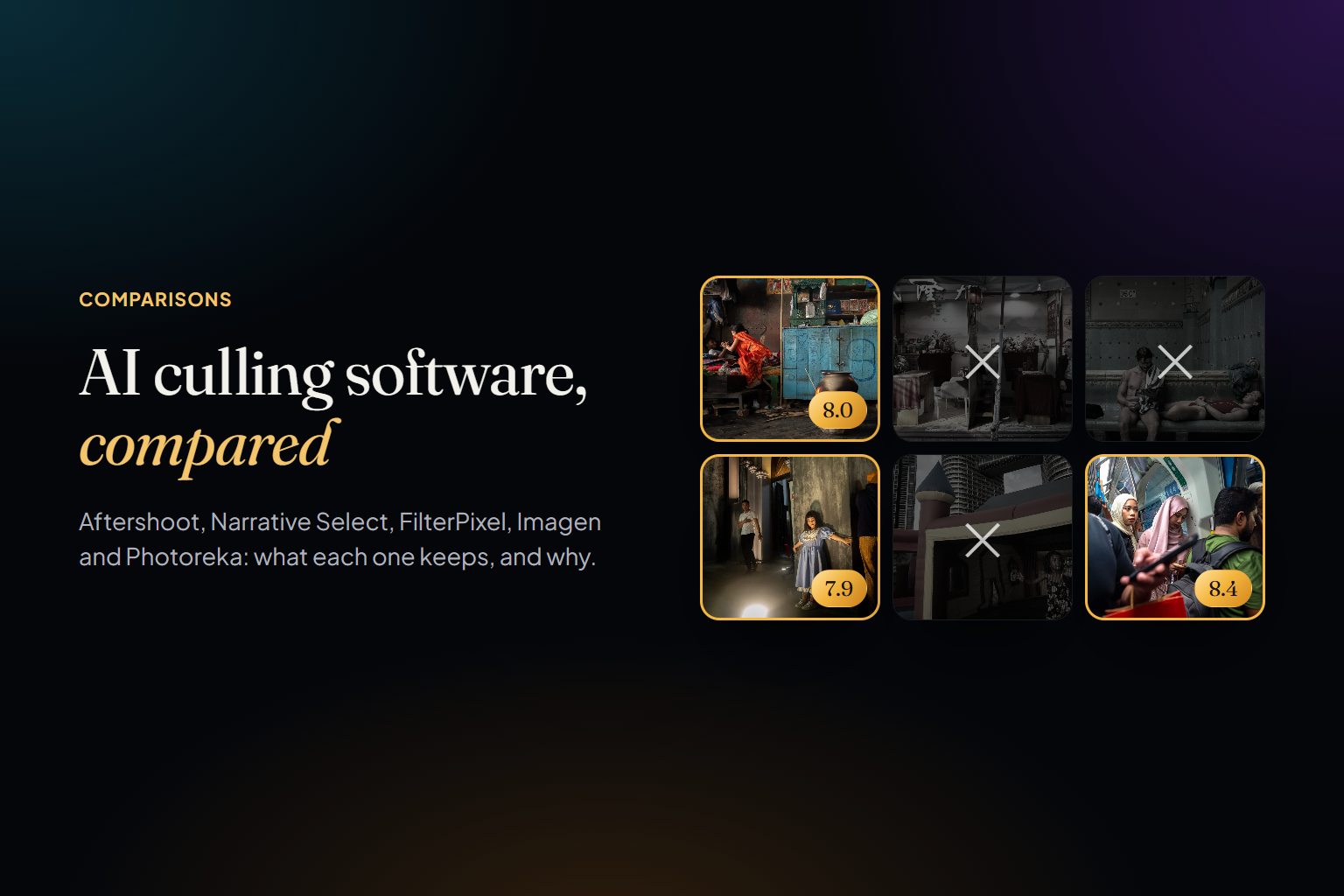
AI culling has quietly become the most useful kind of AI in a photographer's workflow. Not the generative kind — the kind that looks at the 4,000 frames you shot on Saturday and tells you which 3,000 you never need to look at twice. Aftershoot, Narrative Select, FilterPixel and Imagen have turned that job from an evening into a coffee break, and for wedding and event photographers they're no longer optional.
This is an honest comparison of the four tools that lead the category, plus where Photoreka fits in the same workflow. Photoreka sits, on purpose, after the first pass. It doesn't look for closed eyes or missed focus, because the four tools below already do that well — if your job is delivering a gallery by Thursday, pick one of them. Photoreka starts where they stop, with the frames you kept, and answers the other question: which of your good photos are actually your best, and how they work together. We explain that split in culling is not editing. Features and prices below were checked on each vendor's own site at the time of writing (November 2026); they change often, so confirm before you buy.
What AI Culling Actually Does
Every tool in this list does some version of the same three jobs. First, technical rejection: blurry frames, missed focus, closed eyes, blown exposures. Second, grouping: bursts and near-identical frames collapsed together, so you compare variations side by side instead of scrolling past them. Third, ranking: inside each group, a suggestion of which frame is the keeper. The selection then goes to Lightroom Classic or Capture One with ratings or flags attached.
The first two jobs are largely solved, and all four dedicated cullers handle them well. The third is where they differ — and where the question shifts from is this frame usable? to is this frame good? Keep that distinction in mind (we wrote more about it in how to pick your best photos); it decides which tool you actually need.
Aftershoot
Aftershoot is the best-known name in the category, and it has grown from a culling app into a full post-production suite: AI culling, AI editing that learns your style, batch retouching and client galleries. Its culling runs locally on Windows and macOS — in Aftershoot's own words, images never leave your machine — so there are no uploads and no per-image fees.
- Flags blurry frames, closed eyes and blown exposures, and sorts them into groups you can review or ignore.
- Duplicate grouping that tries to separate true duplicates from intentional variations.
- Key face detection to surface the frames where everyone looks their best.
- Exports to Lightroom Classic and Capture One with ratings, labels and flags preserved.
- Flat pricing, not per image: AI culling starts at $10 a month, with a 30-day free trial and no card required (at the time of writing, November 2026).
Limits: it's built around the high-volume shoot — weddings, events, sessions. It decides what's usable and helps you choose among similar frames, but it doesn't try to judge a photograph's artistic weight across a whole body of work. Local processing also means your computer does the work; Aftershoot lists 8 GB of RAM as the minimum. Best for: wedding and event photographers who want offline culling and editing in one subscription.
Narrative Select
Narrative Select starts from a slightly different philosophy: the AI assists, you decide. It groups a shoot into Scenes (similar frames from the same moment), shows face Close-ups so you can check every subject at a glance, and runs eye and focus assessments that tell you whether each face is sharp and whether eyes are open — with enough context to know a kiss isn't a missed blink. Its AI First Pass ranks each frame within its scene, from best in scene to undesirable, and shows the reason. Nothing is deleted for you.
- Runs on macOS and Windows, though some features, such as key element detection and the people filter, are Mac-only for now.
- Culling and AI assessments happen locally; nothing is uploaded unless you use a feature that needs it.
- Ships selections to Lightroom Classic on both platforms, and to Lightroom, Photoshop and Capture One on Mac.
- Plans from $15 a month, or $10 a month billed yearly, up to $79 a month for Ultra, with a free trial of Ultra and no credit card (at the time of writing, November 2026).
Limits: the most useful culling features sit in the Standard tier and above, and Mac and Windows aren't at full parity yet. Like Aftershoot, its idea of 'best' is best within a moment: the strongest frame of this sequence, not the strongest photograph of your year. Best for: photographers who want fast, transparent assistance and prefer to keep the final call — especially on a Mac.
FilterPixel
FilterPixel pushes hardest on the ranking problem. Alongside a basic cull that groups similar images and filters on blur, focus, expressions and composition, it offers DeepCull, a genre-aware mode that evaluates frames by the logic of the shoot — expressions, moments, peak action, emotional impact — and shows you why it picked each one. Genre modes cover weddings, conferences, concerts and sports.
- Windows and Mac, with a dedicated macOS app.
- Your originals stay on your computer; only the embedded RAW preview is uploaded, and DeepCull analyses it in the cloud.
- Sends selections to Lightroom, Capture One or Photo Mechanic, and adds AI editing that can learn your style.
- Subscription pricing with a yearly allowance of DeepCull shoots: Standard is $14.99 a month billed annually, with unlimited basic culling and 20 DeepCull shoots a year, and extra shoots cost $7.99 each (at the time of writing, November 2026). There are free projects to try it first.
Limits: the genre-aware mode is metered by shoot, so a heavy season means a higher tier or extra purchases, and the cloud step needs a connection. Its sense of quality is tuned to client genres: it knows what a strong first-dance frame looks like, not what makes a street photograph or a personal project land. Best for: event and wedding shooters who want a reasoned ranking, not just a reject pile.
Imagen
Imagen is first an AI editing service, and its culling is designed to sit next to that. It recognizes unintentional blinks (while treating some closed eyes, like a kiss, as keepers), groups similar images with a similarity threshold you control, flags out-of-focus and poorly exposed shots, and can cull to an exact number or percentage — handy when a contract promises a fixed gallery size.
- Windows 10 or later and macOS, on 64-bit machines.
- Cloud-based: it doesn't use your CPU or GPU, but it needs an internet connection.
- Integrates with Lightroom and uses Lightroom-style keyboard shortcuts.
- Culling is a flat-fee add-on to an Imagen editing plan with unlimited culling: $12 a month billed yearly or $18 billed monthly, plus two free culling projects (at the time of writing, November 2026).
Limits: it makes most sense if you already edit with Imagen; as a stand-alone culler the add-on model is less natural. Working in the cloud trades local hardware requirements for upload time. Best for: Imagen editing customers who want culling in the same Lightroom pipeline.
Photoreka and Photoreka Picks
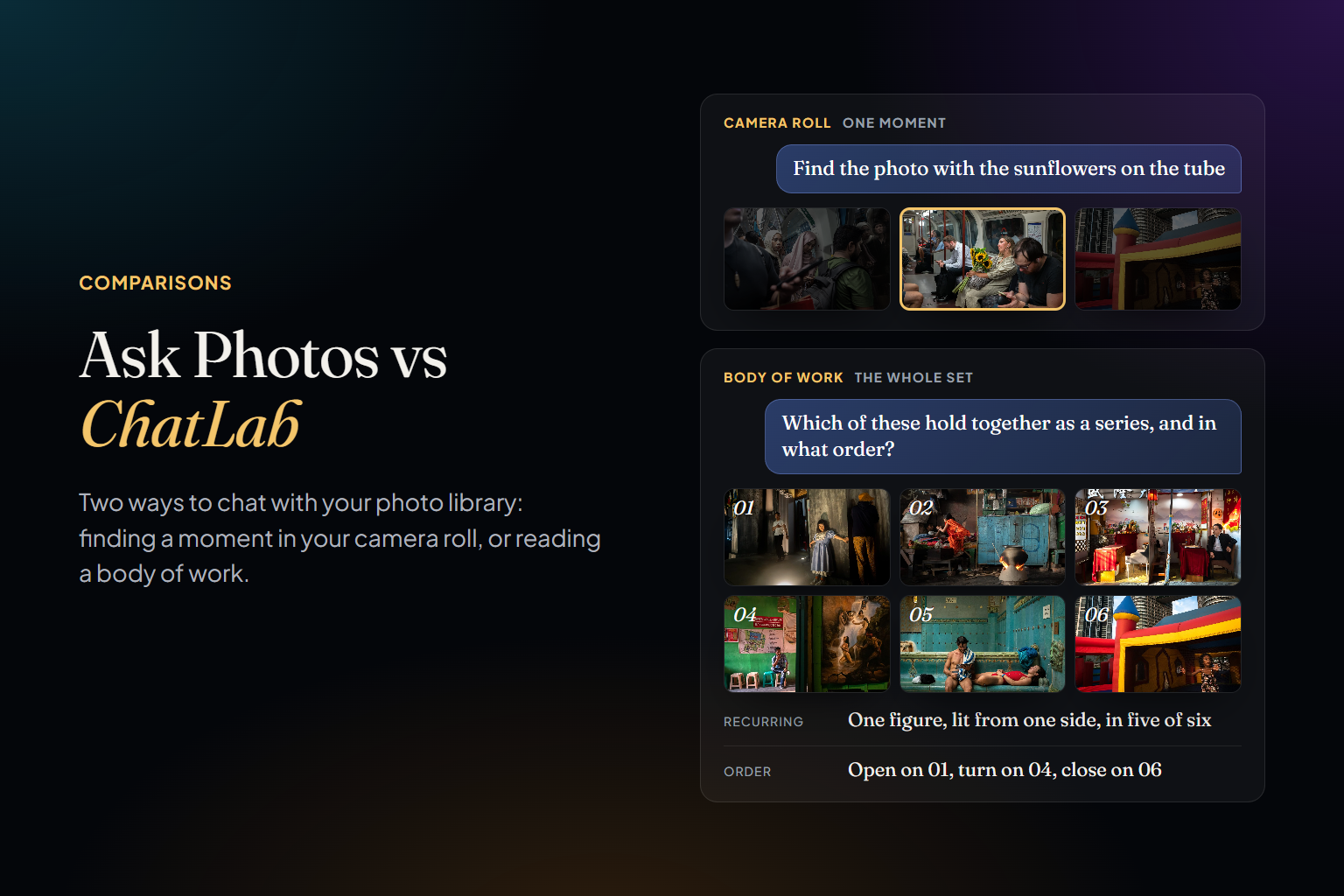
Here's where Photoreka sits. It doesn't detect blinks or check every face for focus, and its quick tool doesn't read RAW files — by design, because that's the first pass and the four tools above own it. If your Monday problem is turning 4,000 wedding frames into a 600-image gallery, use one of them. Photoreka works on the second pass, and on a different question: out of photographs that are all usable, which ones are actually your best? That's the question behind a portfolio, a contest entry, a photobook, a print sale or a year-end review — and it's the one keep/reject culling was never designed to answer.
Picks: a Ranking Pass on Any Folder
Photoreka Picks is the quickest way to run that second pass. Drop up to 5,000 photos in the browser and an AI jury scores every frame on eight artistic criteria — aesthetics, composition, storytelling, originality, message, humor, visual games and spontaneity — writes a one- or two-sentence critique for each, and ranks the set. Switch between juries (overall, street, documentary, landscape, portrait, travel, fine art, plus award juries that only keep photos above a high bar) and the ranking reorders itself. A few hundred photos take a few minutes; 5,000 take under half an hour.
- No account and no subscription: €0.013 per photo, VAT included, with a €2.90 minimum per order.
- A free trial with 10 of your own photos, critiques included, no card.
- Only an 800-pixel thumbnail of each photo is sent; your full-resolution originals stay on your device.
- Identical copies are grouped and judged once; the ranking can be exported as CSV.
- Thumbnails and results are deleted after 30 days and never used to train AI models.
- JPEG, PNG and WebP only, so export RAW files to JPEG first.
Photoreka: Scoring a Whole Body of Work
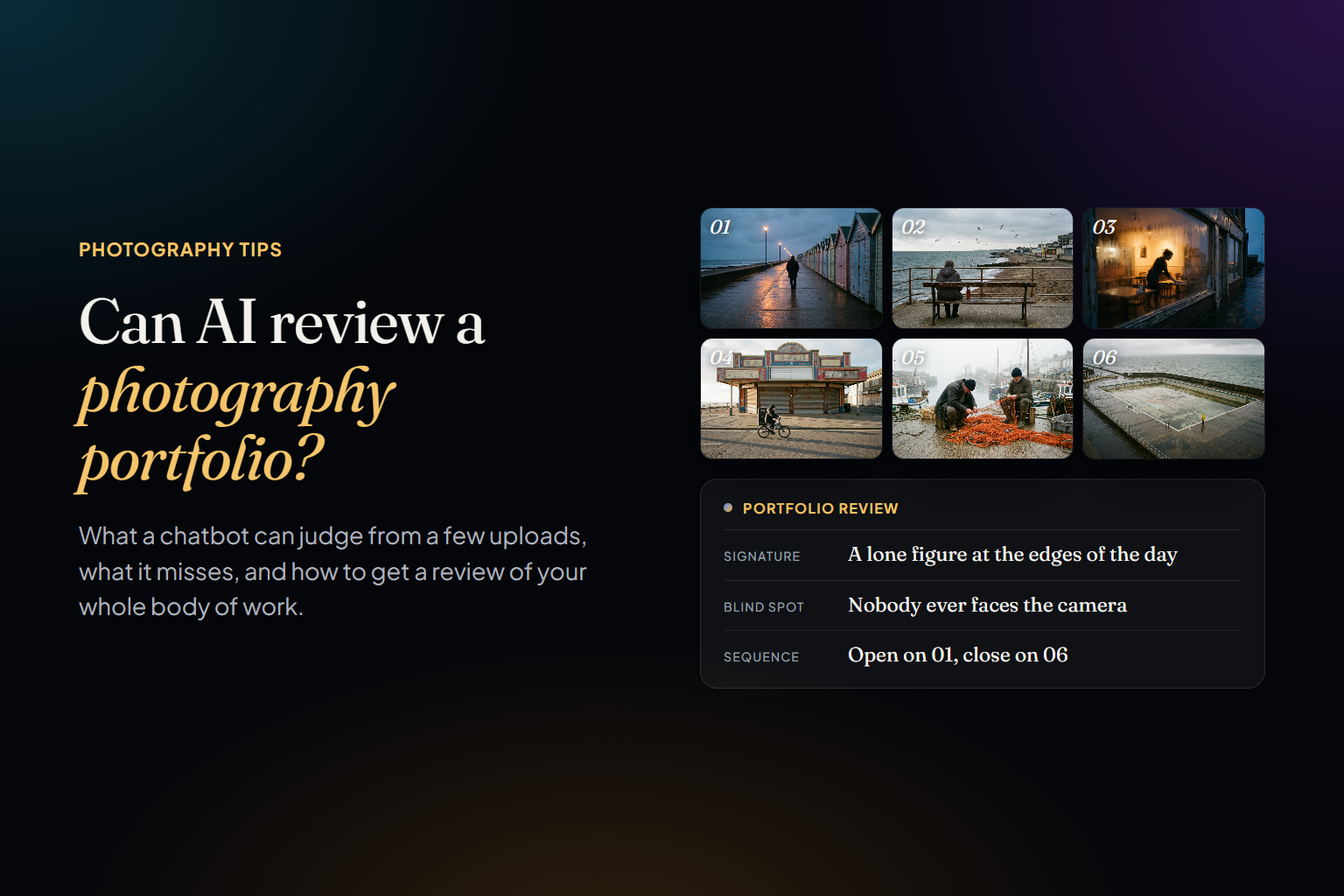
The full Photoreka app does the same kind of judgment permanently, across a body of work of up to 50,000 photos. Every photo is scored from 1 to 10 on eight separate artistic criteria — aesthetic quality, composition, storytelling, originality, message, humor, visual games and spontaneity (see photo scoring) — so you can sort a catalog by what matters for the project at hand, and combine scores with natural-language search: 'my strongest black-and-white portraits from last summer'. Near-duplicate detection flags over-shot sequences. It runs in the browser on Windows, Mac and Linux, connects to Lightroom Classic through an official plugin as well as Google Photos, Google Drive, Dropbox and local files, analyzes roughly 1,000 photos an hour from compressed previews, and is paid once per batch of photos analyzed, with no subscription.
What it deliberately leaves out: blink and eye detection, per-face focus checks, video and editing. That's first-pass territory, and the dedicated cullers do it better. Picks groups only exact copies, not bursts, and analysis happens in the cloud, so you need a connection. The app is sized for the same reason: up to 50,000 photos, because the rankings, the map of your catalog, the pattern reports and the portfolio builder all work across the whole set, and they only mean something when that set is already intentional. Photoreka does the passes that come after the technical one — the reasoning is in culling is not editing.
A culler answers 'can I deliver this frame?'. The question that decides whether a body of work goes anywhere is 'which of these deserve to be seen?'
Where the Dedicated Cullers Still Win
Fairness requires this section, and it's a long one. For delivery work, Aftershoot, Narrative Select, FilterPixel and Imagen beat Photoreka on almost every axis that matters: they read RAW files directly, catch closed eyes and missed focus face by face, collapse bursts into scenes or groups, write ratings and flags straight into Lightroom Classic or Capture One, and most of them edit too. Aftershoot and Narrative Select do their AI work locally, which matters if uploading a client's wedding is a hard no. And their flat or tiered subscriptions make sense when you shoot every weekend, in a way that paying per photo wouldn't.
How to Choose
- Choose Aftershoot if: you shoot weddings or events, want unlimited offline culling, and would like editing, retouching and client galleries from the same company.
- Choose Narrative Select if: you want the AI to assist rather than decide, value face close-ups and scene grouping, and work mostly on a Mac.
- Choose FilterPixel if: you want genre-aware ranking with a stated reason for every frame, and don't mind a cloud step on the previews.
- Choose Imagen if: you already edit with Imagen and want culling in the same Lightroom pipeline.
- Choose Photoreka Picks if: you have a folder of photos that are all usable and need to know which are strongest — for a portfolio, a contest or a book — without an account or a subscription.
- Choose Photoreka if: the problem isn't one shoot but a body of work you've already culled — years of keepers — and you want artistic scores you can search, filter and revisit over time.
- Use both if: a dedicated culler handles the technical pass on client work, and Photoreka handles the curatorial pass on your own.
Try it on your own photos
Rank 10 photos free with Photoreka Picks
Eight artistic criteria, a written critique for every frame and a ranking by jury. No account, no card.
One last note on what culling is for. The tools in this article are extraordinary at removing the frames you'd never show, and every photographer who shoots volume should use one. That's the floor. The harder decision comes after — which ten photographs from a year of shooting actually say something — and no amount of blink detection makes it for you. Rejecting is a filter. Choosing is the work.