
The AI search layer for image libraries★★★★★
Find any image in your company's photo library
Photoreka finds any image in your library by describing it. Search from a brief, rank the best shots and clean up duplicates. On top of Dropbox, Google Photos, Lightroom or local folders.
Want to see a general photo library?
- Travel
- E-commerce
- Marketing
- Real estate
- Hotels
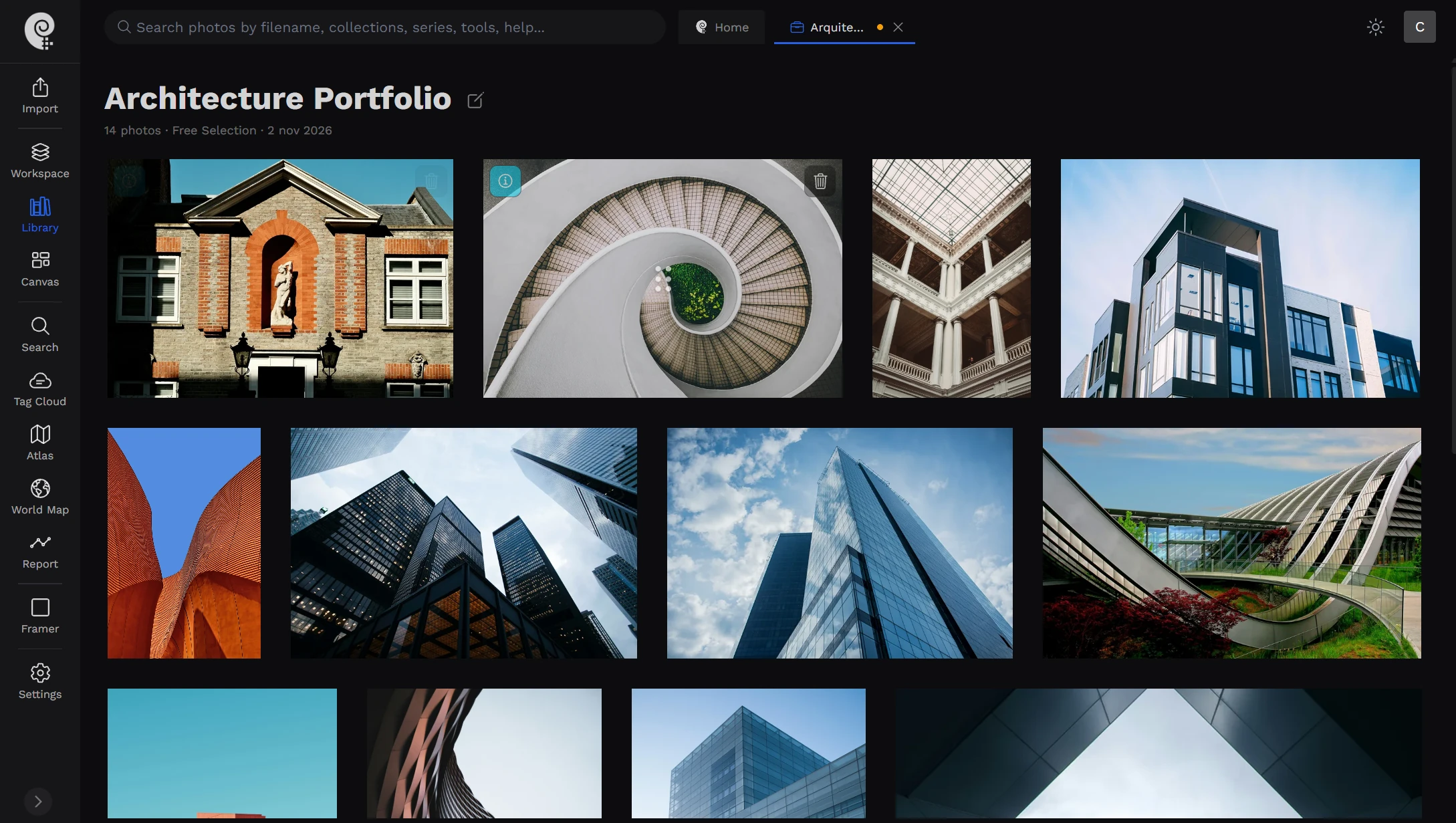
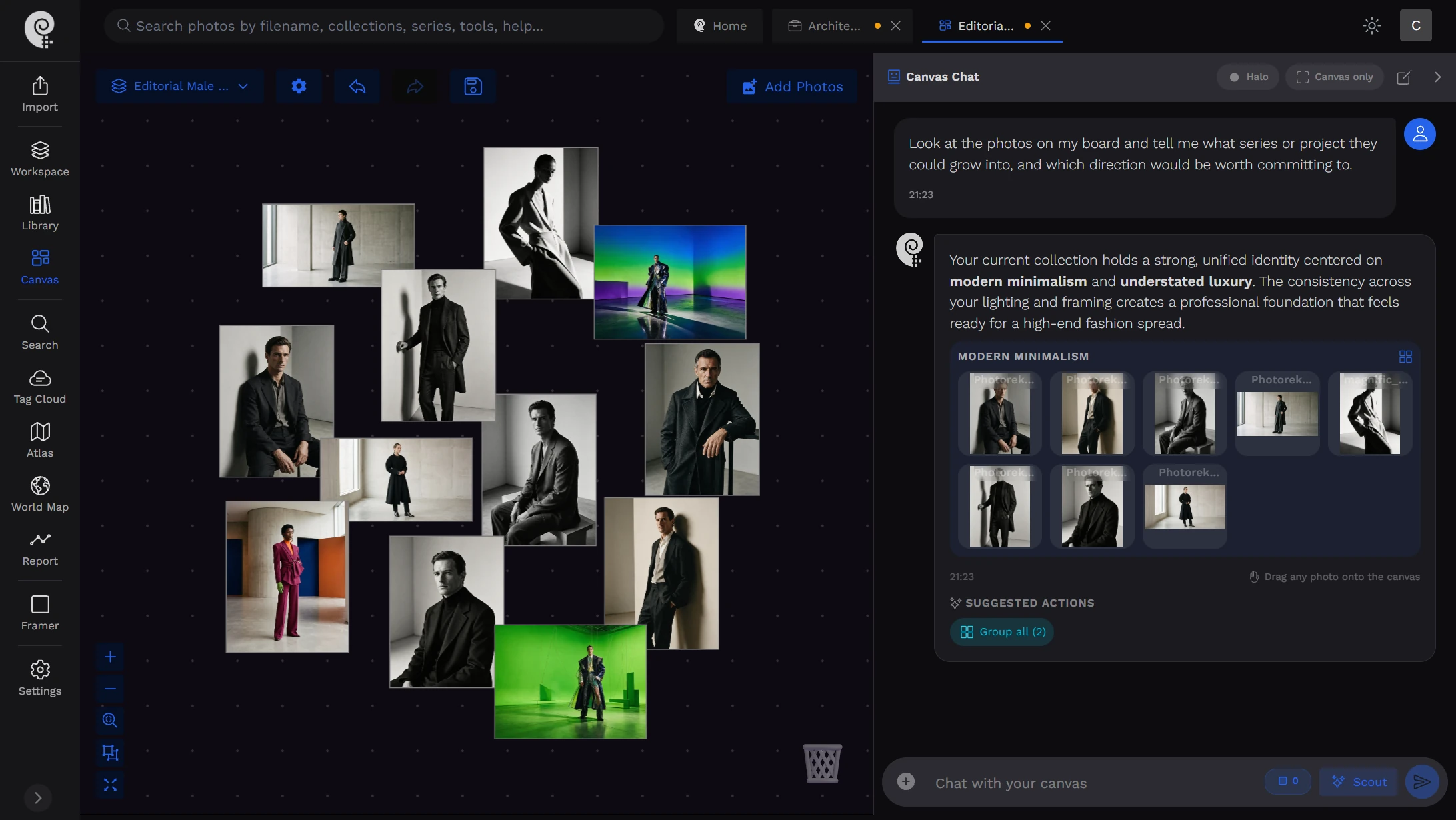
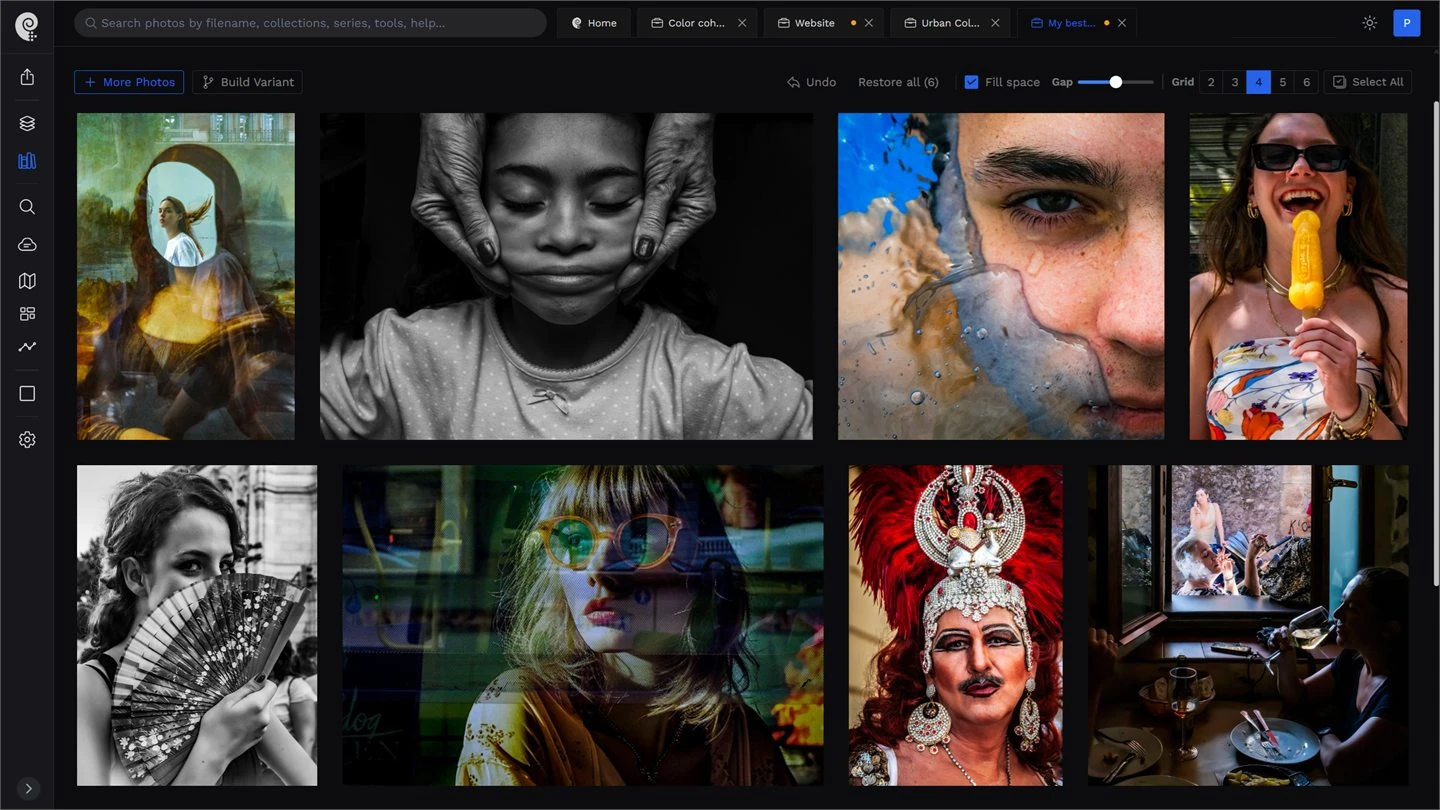
- Search by brief
- No tagging
- Best-shot scoring
- Duplicate detection
- Location recovery
- No migration
- Pay per batch
- Selections
By industry
Built for the image libraries behind your business
Every industry asks its archive different questions. These are the kind of requests Photoreka answers in seconds, typed exactly as a colleague or a client would phrase them.
Travel & tourism
Travel agencies, tour operators, and tourism boards sit on thousands of destination photos with no captions. Search them by place, mood, and season — and let AI recover where an archive shot was taken when it has no GPS data.
- “Turquoise cove with a sailboat, morning light, no people”
- “Old town street at dusk, lanterns, couple walking”
- “Family hiking a mountain trail in autumn”
E-commerce & product
After a product shoot, the work is choosing. Photoreka ranks every frame on subject clarity and commercial intent, flags near-duplicates from the same setup, and finds lifestyle shots of any product by description.
- “White sneakers on a concrete step, side angle”
- “Ceramic mug in hand, cozy kitchen, window light”
- “Flat lay of skincare bottles on a pastel background”
Marketing & brand
Campaign briefs rarely match folder names. Paste the brief and get the images that fit — and find out in a minute whether your library already has the shot or you need a new production.
- “Team laughing around a laptop, bright office”
- “Close-up of hands, warm tones, authentic, not staged”
- “Storefront at night, wide shot, neon reflections”
Real estate & hotels
Find the strongest interior and exterior shots across every property you've photographed — bright rooms, clean lines, the view — without opening shoot after shoot.
- “Bright living room with a sea view, wide angle”
- “Hotel pool at golden hour, empty loungers”
- “Modern kitchen with an island, white marble”
Tools
Everything your image library has been missing
One analysis pass turns a folder of files into a library you can search, rank and map. Every tool works from that same analysis, so nobody has to tag anything by hand.
Find the image straight from the brief
Describe what you need in plain language — subject, setting, mood, light. Broad to explore options, Precise when the brief has conditions that must be met.
- No tags, captions, or keywords required
- No query length limit — paste the whole brief
- One search across every source you connect
Rank any set of images by quality and by how usable they are commercially.
- Scores subject clarity and commercial intent, plus aesthetics and composition
- Pick the best frame of every product or room in seconds
- Surface the strongest images of a destination or theme
See the whole library as one map, and clean it up.
- Similar images cluster together automatically
- Near-duplicates and over-shot setups are flagged
- Spot which destinations, products, or themes lack good images
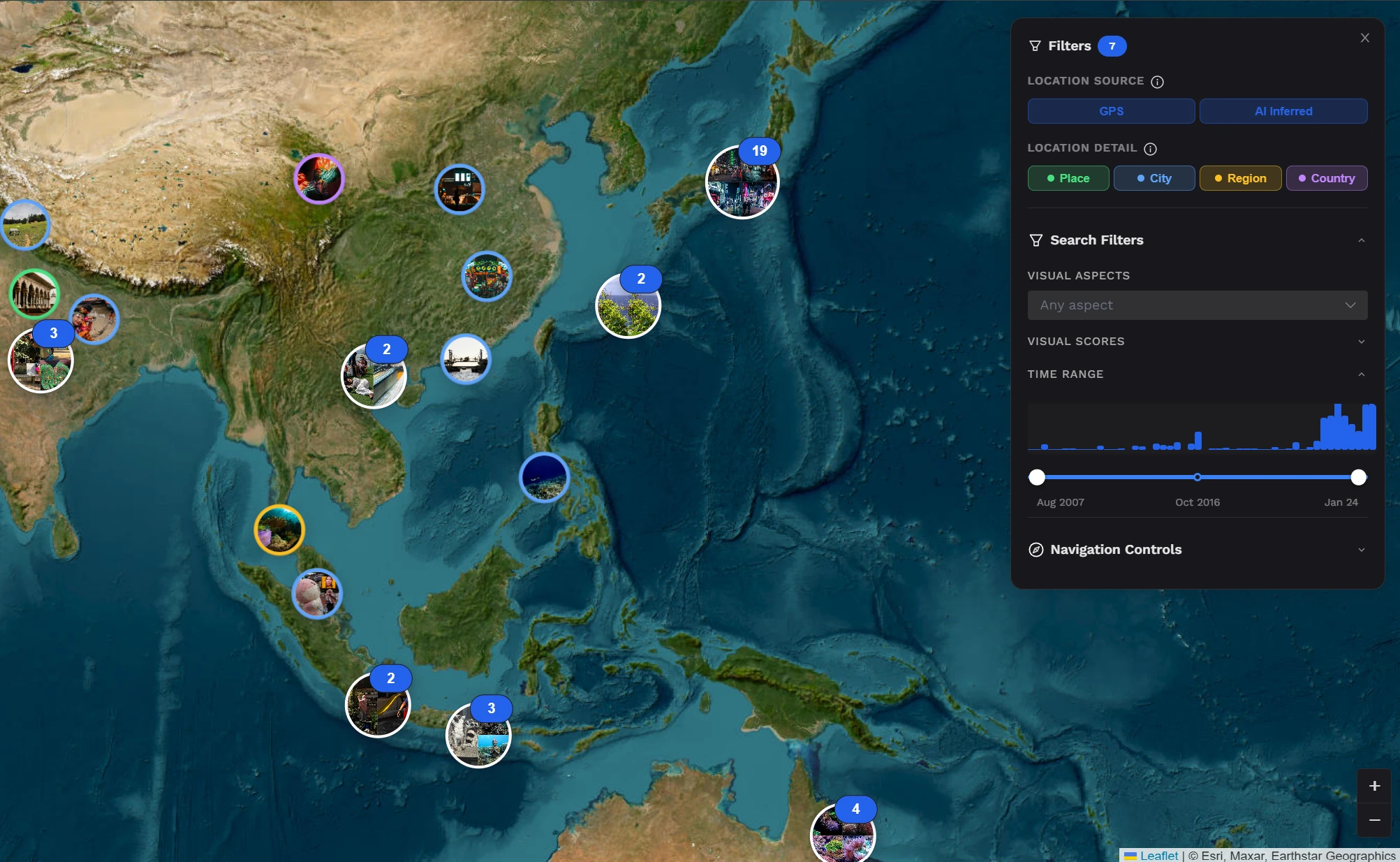
Know where every destination shot was taken, even without GPS.
- Infers place, city, region, and country from what's in the image
- Puts the whole library on a world map
- Filter by source, detail, and time range
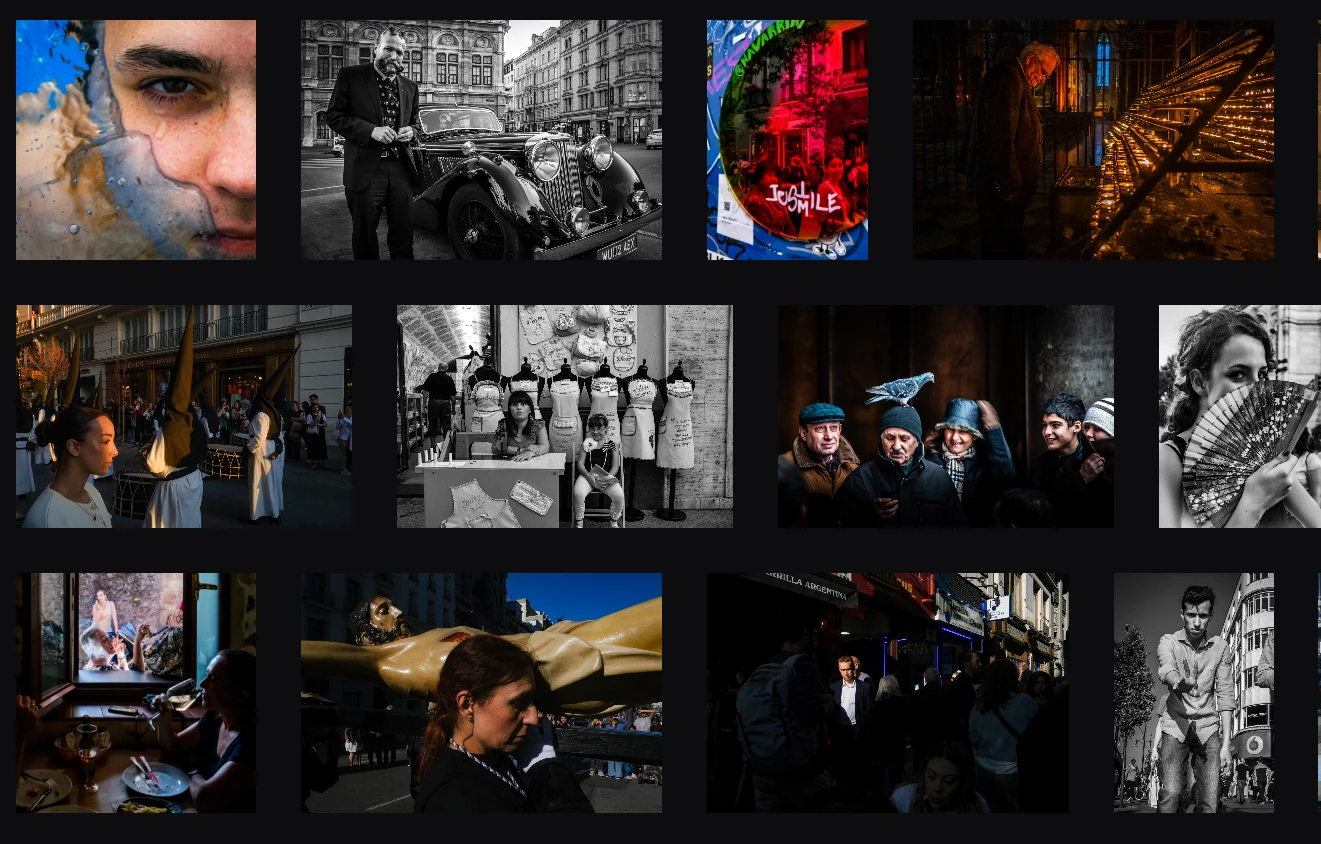
Assemble a selection for a campaign, brochure, or catalog in minutes.
- Build it by score, theme, or visual coherence
- Let AI order the set for a clean visual flow
- Start from the images that already fit the brief
How it works
From scattered folders to a library that answers back
No migration project and no tagging sprint. The person who manages your images sets it up once.
- 01
Connect the folders you already use
Link Dropbox or Google Photos, connect a Lightroom Classic catalog through the official plugin, or upload local files. Photoreka works from compressed previews, so your originals stay where they are.
- 02
Let the analysis run
Computer vision reads every image once: subjects, setting, mood, light, quality, and visual similarity. It runs in the background at roughly 1,000 images per hour.
- 03
Search, rank, and select
Find images from a brief, clean up duplicates, recover missing locations, and assemble selections. When a new shoot comes in, only the new images need analyzing.
Not another DAM. The search your folders are missing.
Digital asset management platforms ask for a migration project, a monthly subscription, and someone who keywords every upload. Photoreka asks for none of that: it sits on top of the storage you already pay for and makes it searchable by what's actually in each image.
Already running a DAM for permissions, licences, and distribution? Keep it. Photoreka doesn't manage rights or share files — it finds and ranks images.
- No migration — works on Dropbox, Google Photos, Lightroom Classic, and local folders
- No subscription — pay once per analyzed batch, with no monthly fee to keep it searchable
- No keywording — search by what's in the image, not by tags someone forgot to add
- Private — only reduced previews are stored, and your images are never shared or reused
FAQ
Questions from agencies and businesses
What teams ask before putting their image library on Photoreka
Photoreka is an AI search and curation layer for a company's image library. It analyzes the images in the storage you already use and lets you find any of them by describing it, clean up near-duplicates, score shots for quality and commercial intent, recover missing locations, and assemble selections for campaigns, brochures, or catalogs.
No. A DAM manages permissions, licences, approvals, and distribution, and Photoreka does none of that. It makes the images you already have findable and rankable. That's why it fits next to your storage, or next to a DAM you already run, as the search layer those tools are missing.
Yes. Anyone on the team who signs in to the account works with the same analyzed library, so marketing, content, and e-commerce can all search it and build their own selections. What Photoreka doesn't have is separate per-person logins with roles or permissions — if you need that level of access control, it belongs in a DAM, with Photoreka alongside it as the search layer.
No. Connect Dropbox, Google Photos, or a Lightroom Classic catalog, or upload local files. Photoreka builds its analysis from compressed previews, so your originals stay exactly where they are, with the same folder structure.
Not directly. Today the sources are Dropbox, Google Photos, Lightroom Classic, and local files. Images kept in Google Drive or SharePoint can be added by uploading them from a folder synced to your computer.
It works best with a curated library of up to about 20,000 images, and libraries of up to 50,000 have been tested. It's built for the working library a business actually uses — destination photos, product shoots, brand imagery — rather than millions of raw files.
No. Photoreka doesn't write keywords, captions, or IPTC metadata back to your files. It makes images searchable by what's in them, so nobody has to keyword them to find them later.
Yes. Photoreka stores only reduced versions of your images to power search and curation, analyzed under agreements that prevent retaining or reusing them. Your images are never shared, and you keep 100% of the rights.
There is no monthly subscription. You pay once to analyze a batch of images; after that, most tools are free within daily limits, or unlimited with credits. During early access, a free photo package and usage credits are available.
The image you need is already in your library.
Try the search on our commercial demo catalog, then connect your own folders when you're ready.
Prefer a general photo library? Try the standard demo Shooting the photos yourself? See Photoreka for commercial photographers