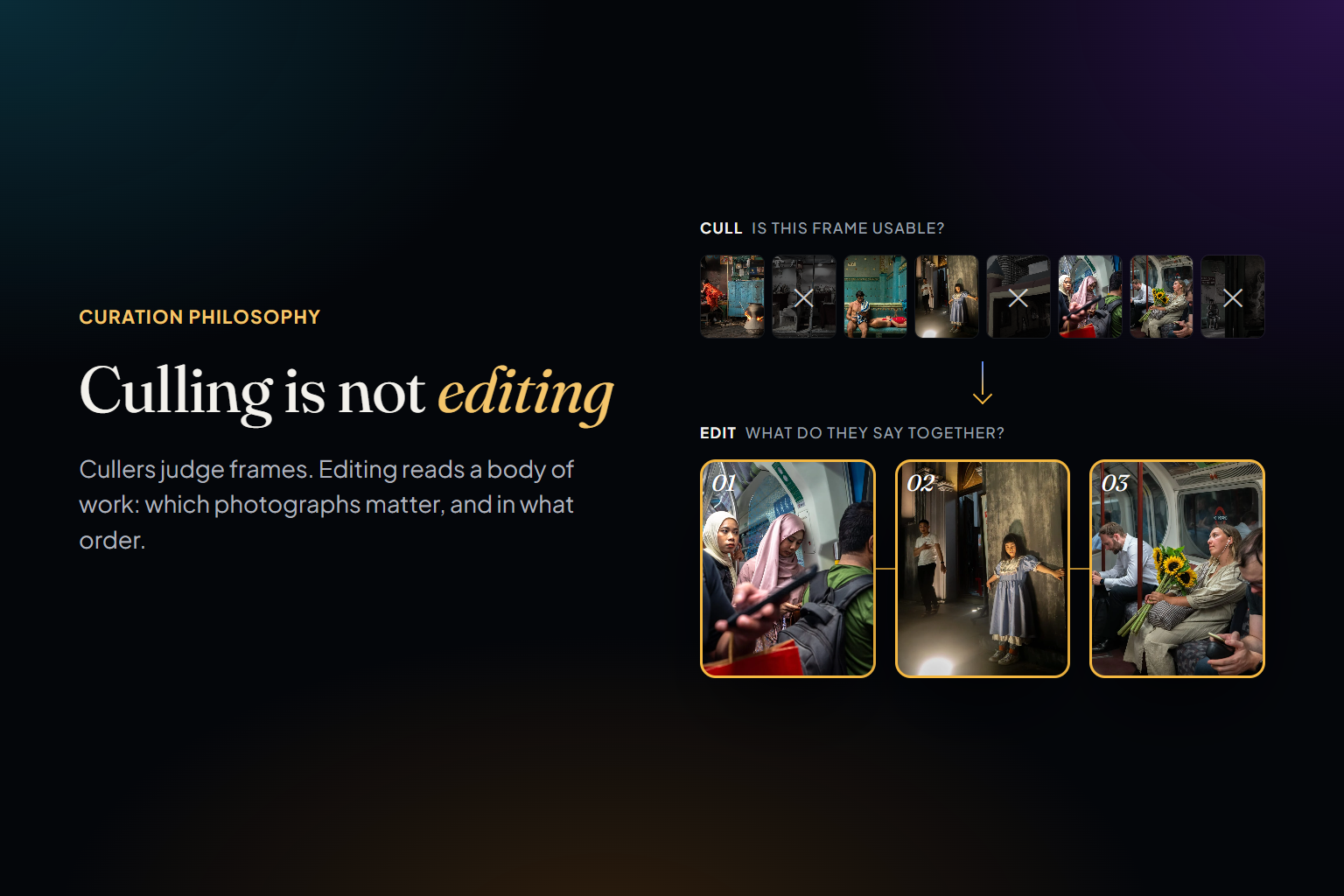
Photographers use two words almost interchangeably: culling and editing. In a picture editor's vocabulary they mean different things. Culling is throwing away what failed. Editing — the edit — is choosing the photographs that carry a piece of work and deciding the order they're seen in. Software has become extraordinary at the first job. The second one is still mostly done by hand, late at night, by photographers scrolling through years of keepers and trusting their memory.
We make Photoreka, so read this as an argument from one side. It explains where we think the line between the two jobs falls, what the best culling tools do on their side of it, and why we built Photoreka mainly for the other side — including why it's designed for bodies of work of up to 50,000 photos rather than for every frame you've ever shot. Details about other products come from their own sites and from our comparisons, checked in November 2026.
Two Jobs, Two Moments
Culling happens right after the shoot. Its unit is the shoot itself: everything on the card. Its question is can I use this frame?, and its criteria are mostly local and technical — focus, open eyes, exposure, near-duplicates, the best frame of each burst. The output is a set of keepers, and for client work, a gallery.
Editing happens later, often much later. Its unit is a body of work: a project, a series, a year, sometimes a career. Its question is which of these deserve to be seen, and how do they work together? Its criteria are about meaning and relationships — what a photograph says, whether it's original against everything else you've made, how it reads next to the photograph before it. The output is a portfolio, a photobook, an exhibition, a contest entry.
- Culling — input: everything you shot. Question: is this frame usable? Judged against: the other frames of the same moment. Output: keepers.
- Editing — input: the keepers, usually from many shoots. Question: which photographs matter, and in what order? Judged against: the rest of your work. Output: a series, a portfolio, a book, a show.
Culling asks whether a frame can be used. Editing asks whether a photograph deserves to be seen — and what it says next to the others.
What Culling Tools Do — and Do Well
The culling category is mature, and the leading tools are genuinely good. Aftershoot flags blurry frames, closed eyes and blown exposures, groups duplicates and surfaces the frames where every face looks its best, all locally on your computer. Narrative Select groups a shoot into scenes, shows face close-ups, checks eyes and focus, and its AI First Pass ranks each frame within its scene with a reason. FilterPixel goes furthest on ranking: its DeepCull mode judges frames by the logic of the shoot — expressions, peak action, emotional impact — and explains each pick. Imagen catches blinks, groups similar images, flags focus and exposure problems and can cull to an exact number. And Lightroom's own Assisted Culling now scores subject and eye focus and flags exposure across a batch.
It would be wrong to say these tools only look at pixels. Excire's best-shot selection weighs aesthetics alongside sharpness and expressions, and Excire Search adds aesthetic ratings; Peakto computes an aesthetic score that blends aesthetics, composition and technique; FilterPixel reasons about emotional impact. What they share is the unit. Each of them is built to answer which is the best frame of this moment, this sequence, this shoot? — a score per frame that helps you cut. We compared them in detail in the best AI culling software in 2026.
What Changes When the Unit Is the Body of Work
Once the technical failures are gone, every frame left is usable — and that is precisely when the hard decisions start. A whole set of questions simply doesn't exist at the level of one frame or one burst:
- Narrative: whether a photograph says something rather than just showing something — and whether two photographs are saying the same thing.
- Originality against yourself: a frame can be fresh in general and still be the fortieth version of a picture you keep taking.
- Sequence: an opener, pairs that talk to each other, a rhythm, an ending. The same twenty photographs in a different order are a different piece of work.
- Coherence: visual, chromatic or narrative — whatever makes twenty photographs read as one body of work instead of a pile of good pictures.
- Patterns and gaps: what you keep returning to, what you've never photographed, how your eye has changed over the years.
None of these can be judged by looking at a single image. They need the whole set in view at once, and they need that set to be intentional. Three hundred near-identical frames of the same ceremony would dominate every pattern in an archive; blinks and missed focus would pollute every ranking. That's why editing comes after culling — whoever, or whatever, does each one.
Where Photoreka Sits
We built Photoreka mainly for the second job, because when we looked for a tool built around it we couldn't find one: the AI products we tried were culling assistants, organizers, or raters that judge one photo at a time. Photoreka doesn't check focus or look for blinks. It assumes the technical first pass is done, works on what you kept, and flags the near-duplicates that slipped through it.
It judges each photograph on separate criteria. Every photo is scored from 1 to 10 on eight artistic criteria — aesthetic quality, composition, storytelling, originality, message, humor, visual games and spontaneity — kept separate, so a quiet documentary frame and a graphic street photo can each rank where they belong. Your profile (street, documentary, landscape, commercial and others) shifts how they're weighted, and the commercial profile swaps in subject clarity and commercial intent.
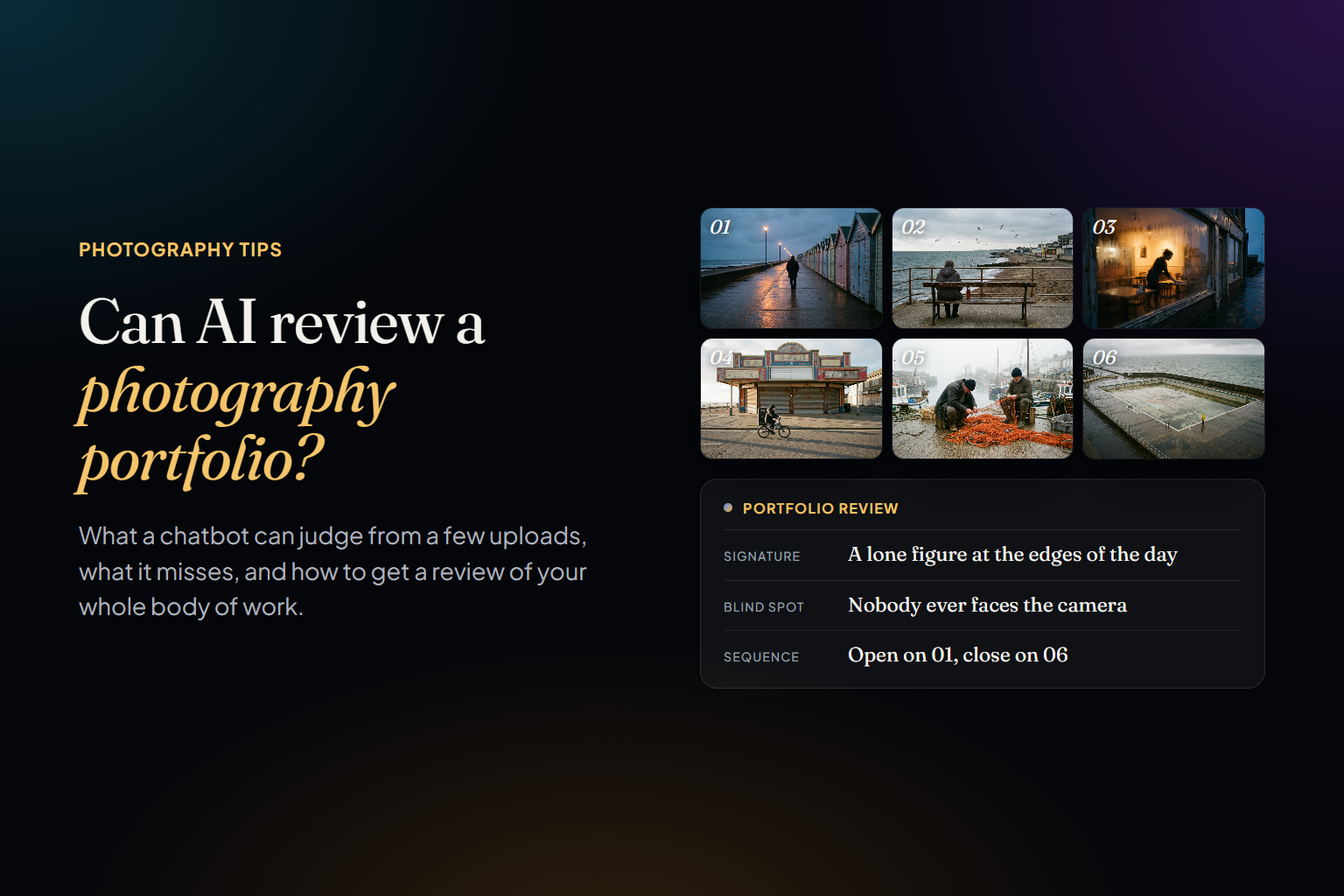
It runs the second pass for you. Photoreka's AI culling ranks your keepers by those criteria instead of sorting them into keep and reject. Photoreka Picks does the same on any folder of up to 5,000 photos without an account, and writes a short critique of every frame, the way an editor would in a portfolio review.
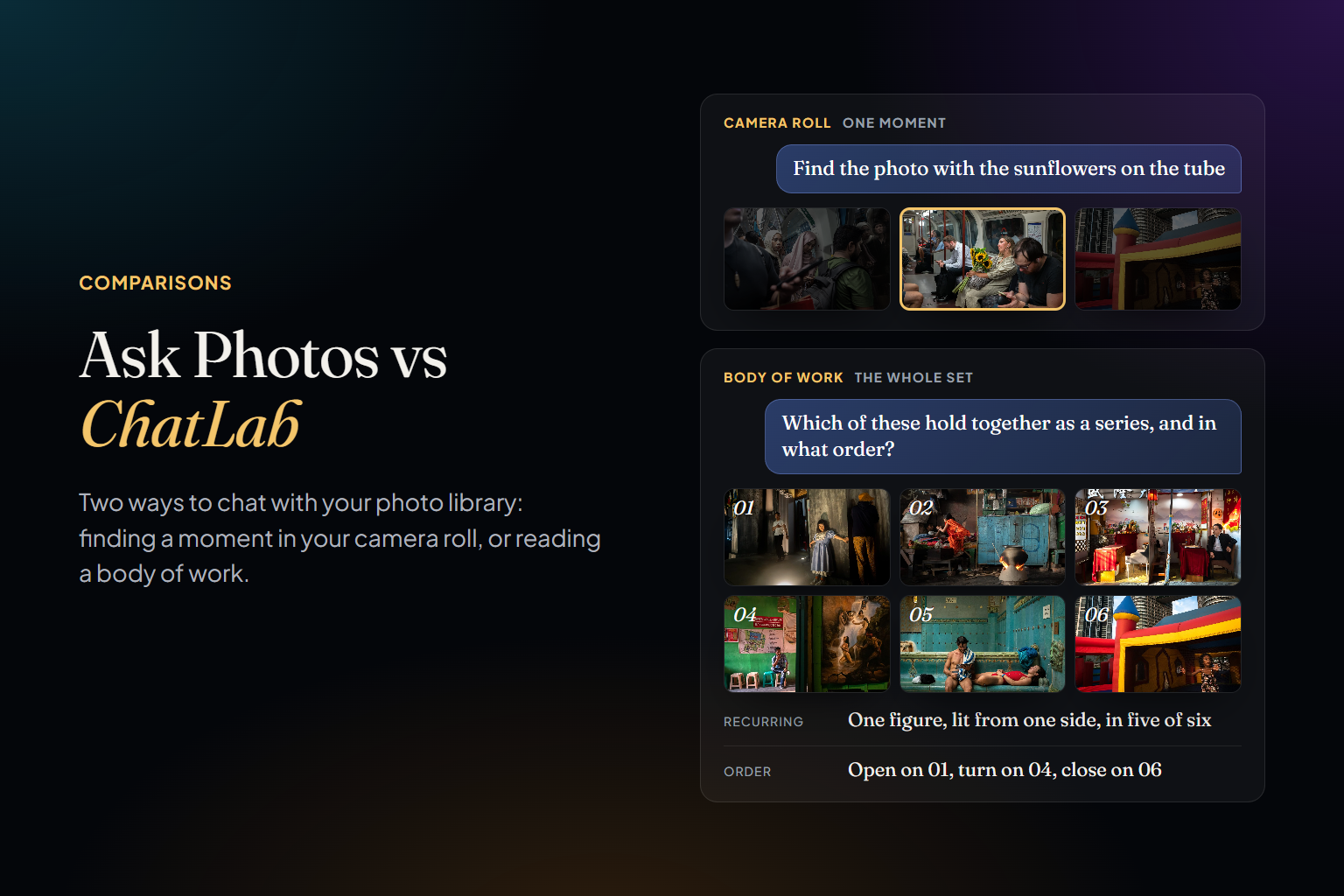
It works on the set as a whole. The portfolio builder selects and sequences 10–40 images under a coherence mode you choose, from visual to narrative. The storyboard canvas lets you arrange a sequence by hand with an assistant that sees the board. ChatLab answers questions no single photo can — what dominates your work, where you repeat yourself, how you've changed — with criteria adapted to your profile. And the 2D/3D Atlas and style reports show the patterns and gaps of everything you kept.
Why Up to 50,000 Photos
Photoreka is built for bodies of work of up to 50,000 photos. That number is a design decision, not an engineering apology, and there are three reasons behind it:
- It's the scale of a body of work. Fifty thousand keepers is, for most photographers, many years of selected work — far more than a portfolio, a book or even a long project will ever draw on. It isn't the scale of every frame you've ever shot, and it isn't meant to be.
- Whole-set tools need an intentional set. The map of your catalog, the pattern reports, the rankings and the portfolio builder read your photos together. Noise doesn't just waste time there: bursts, blinks and test shots change the answer.
- Depth costs something per photo. Eight criteria, rich descriptions, embeddings for three search modes: that's far more analysis per frame than a keep-or-reject decision. It's why Photoreka is paid once per photo analyzed, with no subscription — and why it makes sense to spend that analysis on the photographs you decided to keep.
So if your archive is bigger than that, the order is simple: run the technical first pass outside it — with Aftershoot, Narrative Select, Excire, Lightroom's Assisted Culling or by hand — and bring the keepers to Photoreka. Most of what you shot was never meant to be edited; the photographs that were deserve more attention than a technical filter can give them.
A Workflow That Uses Both
- Shoot.
- Filter the shoot, by hand or with a tool built for it: technical failures out, the best frame of each burst kept. For client work, deliver from here.
- Bring the keepers — a project, a year, or the selects of a whole career — into Photoreka, from Lightroom Classic, Google Photos, Google Drive, Dropbox or local folders.
- Finish the cull there, then score, search and explore them as one body of work: what's strongest, what repeats, what's missing.
- Edit: choose the photographs that carry the work, and put them in order.
- Send it out: a portfolio, a photobook, an exhibition, a contest entry.
If you'd rather do the edit by hand, the method still applies. We describe the choosing in how to pick your best photos from hundreds of shots and the ordering in how to sequence photos for a series, a photobook or a portfolio.
See it on a real body of work
Try Photoreka's demo — nothing to install
Artistic scores, the 3D Atlas, ChatLab and the portfolio builder on a real, already-culled archive, straight from the browser.
Culling tools judge frames. Editing reads a body of work. The first job made photographers faster; the second is the one that decides whether the work goes anywhere — and it's the one we built Photoreka to help with. Culling is the floor. Curation is the point.