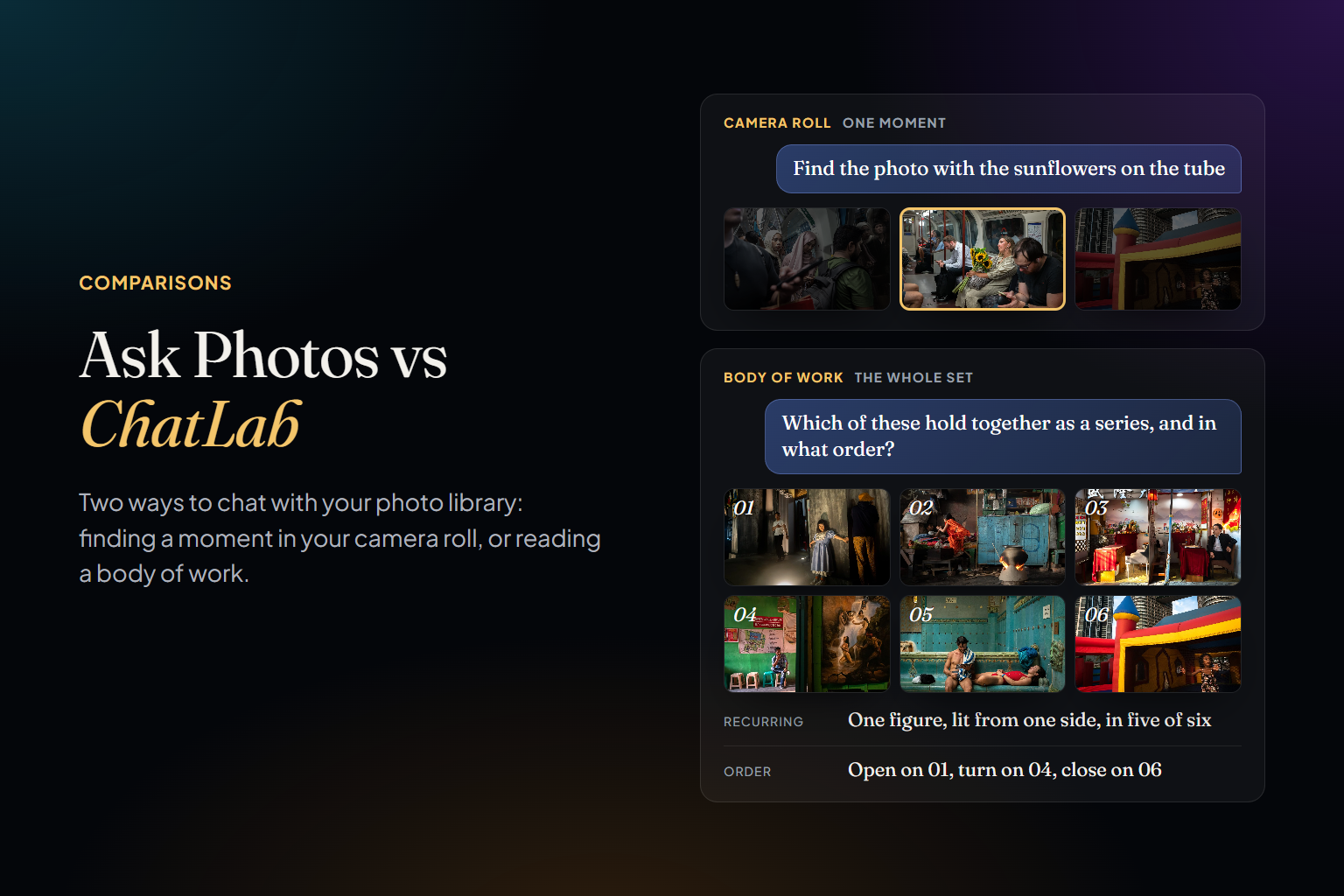
Two photographers can choose exactly the same twenty photographs and end up with two different pieces of work. The difference is the order. Sequencing is the part of editing where photographs start talking to each other: an image changes meaning depending on what comes before it and what follows. A strong picture in the wrong place goes quiet; an ordinary one in the right place can carry a whole series.
This is a method you can use with small prints on a table, a Lightroom collection or any tool you like. It assumes you've already chosen your candidates — if not, start with how to pick your best photos — and at the end we show where software genuinely helps.
Before You Start: Know What the Set Is For
A sequence is only right in relation to how it will be seen. The same photographs need a different order on a wall, in a book and in a ten-second portfolio review:
- A series or project (8–20 images): one argument, made image by image. Every photograph has to earn its place in that argument.
- A photobook: dozens of images, read two at a time across spreads, with room to breathe. Pacing matters as much as content.
- A portfolio (10–20 images): range inside one coherent voice. Curators and clients decide fast, so the first three images do most of the work.
- A contest series (often 5–10 images): judged as a whole and quickly. Repetition is punished.
- An exhibition wall: read in space, in no guaranteed order. Neighbours matter more than the line from first to last.
Then write one sentence describing what the set is about. If you can't, the problem is the selection, not the order — no sequence will rescue a set that doesn't know what it's saying.
Step 1: Make Every Photo Visible at Once
Sequencing is about relationships, and you can't see relationships one image at a time. Print the candidates small and at the same size, and spread them on a table or the floor — or use a digital canvas where every photo stays visible and can be moved freely. Avoid filmstrips and fixed grids at this stage: they already suggest an order, usually the one you shot in, before you've chosen one.
Step 2: Group Before You Order
Sort the photographs into loose piles by what connects them: subject, light, colour, mood, place, gesture, scale. Don't force it; let the piles form. Two things become visible. Big piles show what you keep doing, and usually what the work is really about. Orphans — images that belong to no pile — are either the most surprising pictures in the set or the first ones to cut.
Step 3: Choose the Opener and the Closer
The opener sets the tone and makes a promise. It doesn't have to be your best photograph; it has to tell the viewer how to read the rest. Many editors deliberately avoid opening with the strongest image, so the sequence has somewhere to climb. In a portfolio, though, where attention is short, a strong opener is non-negotiable.
The closer should feel like an ending: a resolution, an open question, or a quieter image that lets the work settle. A useful test is whether the last photograph changes how you remember the first. If it doesn't, you've stopped rather than finished.
Step 4: Build Pairs
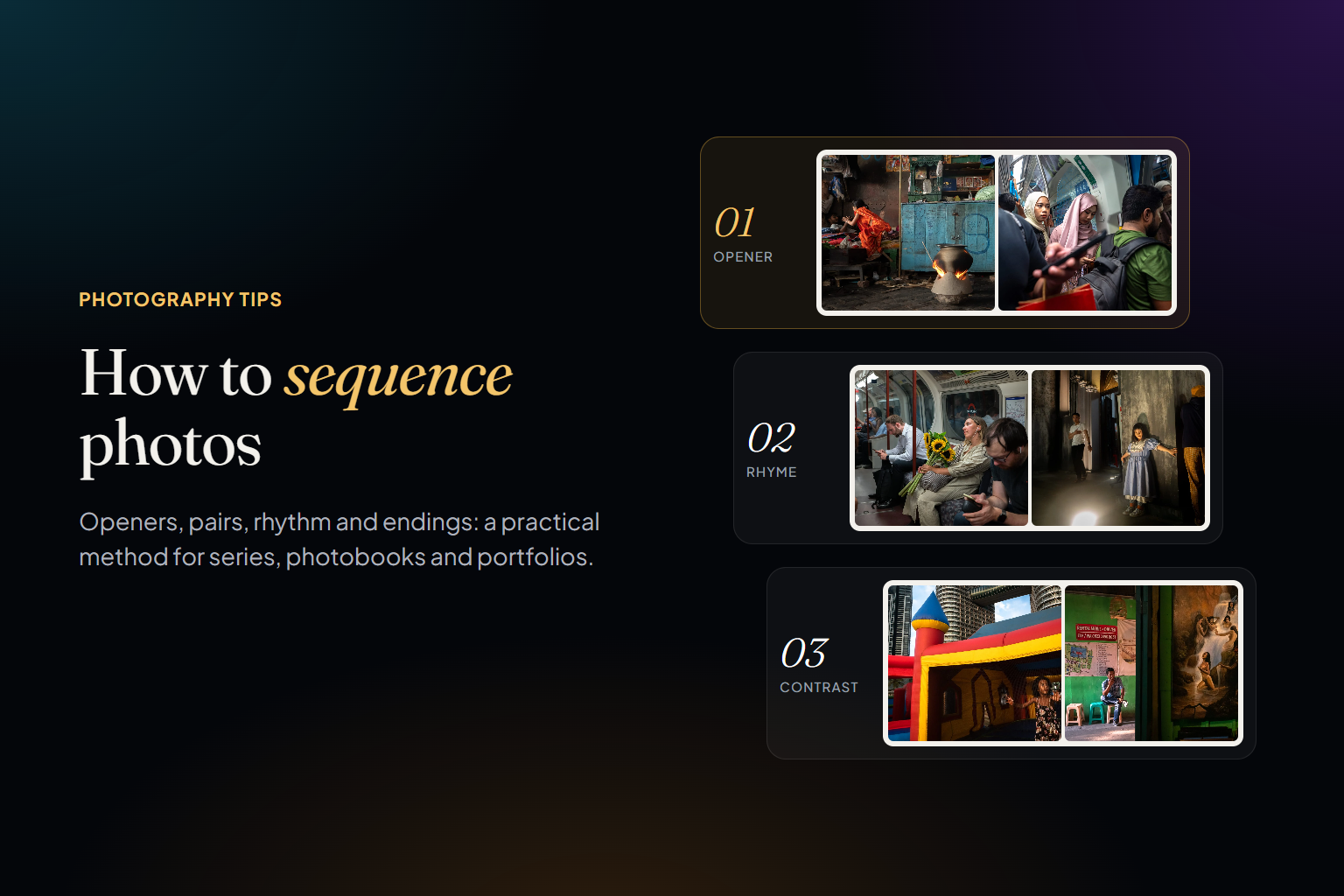
In a book, photographs are seen two at a time; in a portfolio or a slideshow, one after the other. Either way, the basic unit of a sequence is the pair: what happens in the viewer's head between one image and the next. Pairs tend to work in four ways:
- Rhyme: a shape, a gesture or a colour that repeats across two different scenes.
- Contrast: crowded and empty, near and far, light and dark, loud and quiet.
- Continuation: the second image seems to pick up where the first one left off.
- Tension: two photographs that don't obviously belong together, so the viewer has to work out why they're side by side.
Avoid pairs that say the same thing in the same way. Two photographs with the same idea don't reinforce each other; they cancel each other out. When that happens, keep the stronger one and let the other go — it may belong in a different sequence.
Step 5: Work the Rhythm
Read the sequence as music. Vary scale (wide, medium, close), density (busy and empty frames), tone (bright and dark) and energy. Five similar images in a row read as a stall; a sequence that never repeats anything reads as a scrapbook. Think in phrases: a few images that develop one idea, a pause, then the next idea. In a photobook, a single image on a spread or a blank page works as punctuation.
Step 6: Choose Your Kind of Coherence
Something has to hold the sequence together, and it's worth naming what, because each choice changes the order:
- Visual coherence: similar framing, composition or treatment, so the set looks like one body of work.
- Chromatic coherence: a palette that carries through, or shifts on purpose as the sequence moves.
- Narrative coherence: a story or an argument that develops. Chronology is the simplest version, and rarely the best one.
- Conceptual coherence: images linked by an idea rather than by look, place or time.
Visual coherence makes a set look unified; narrative coherence makes it say something. Strong sequences usually lean firmly on one and let the other vary, which is what keeps them from being either monotonous or random.
Step 7: Test It Cold
- Leave the sequence alone for a day or two, then go through it at the speed a stranger would.
- Read it backwards. Weak transitions become obvious when the order is unfamiliar.
- Remove each image in turn. If the sequence loses nothing, the image goes.
- Show it to someone without explaining it and ask what it's about. If their answer is far from your one-sentence description, the order isn't doing its job yet.
Where Software Helps
Sequencing is judgment, and no software should make the final call. But two steps are slow by hand: finding the right candidates across years of work, and trying many orders quickly. That's where Photoreka helps, on the photographs you've already kept — it's built for the edit after the first pass, not for the first pass itself.
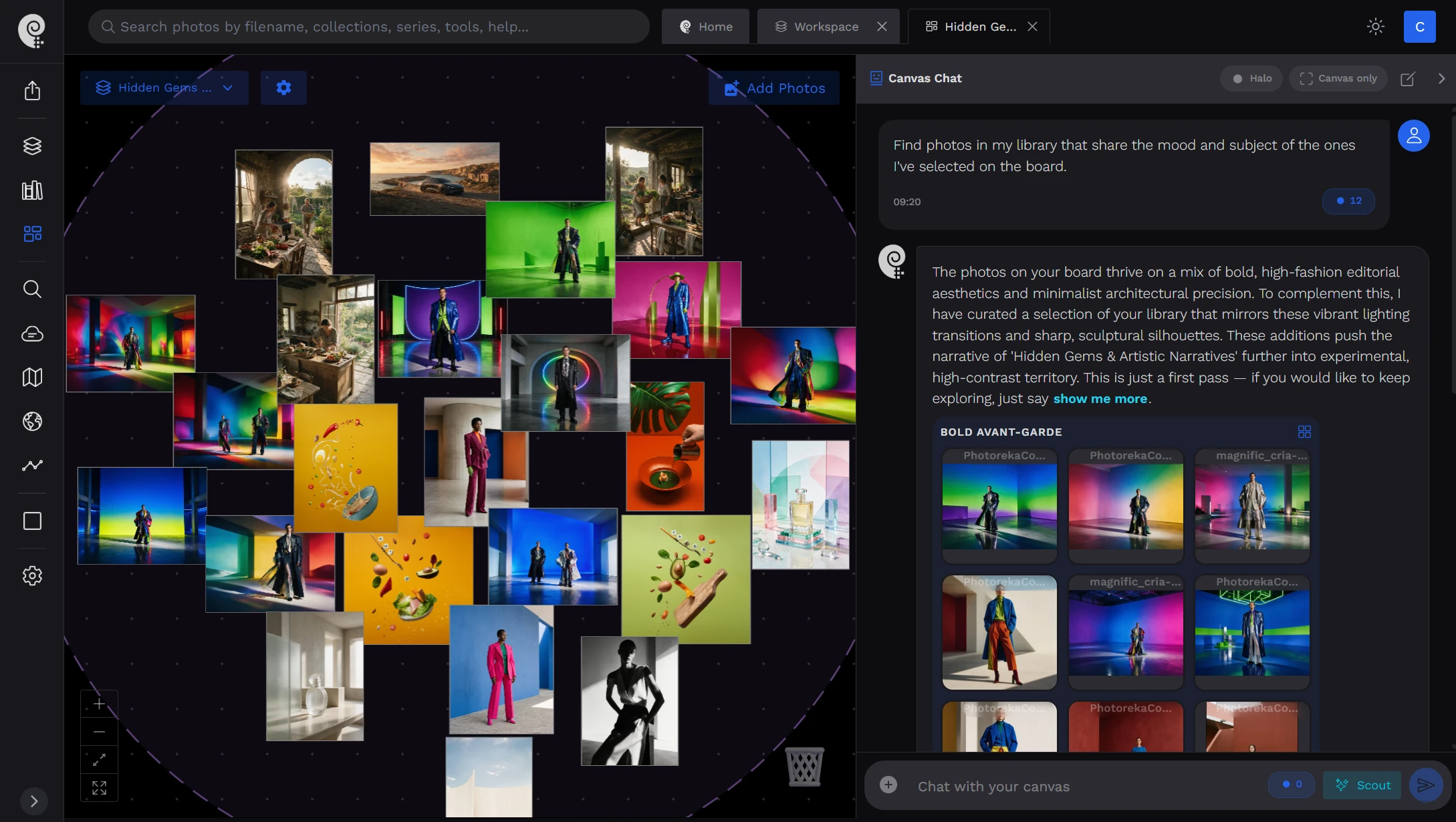
Photoreka's portfolio builder selects and sequences 10–40 images from your catalog under the coherence mode you choose — from visual to narrative — after scoring every candidate on eight artistic criteria, so you start from a reasoned draft instead of an empty table. The storyboard canvas is the digital version of the table itself: an infinite canvas where you arrange photos by hand, let Photoreka cluster them by narrative, colour or score, drop an image to surface visually similar ones, and ask an assistant that sees the board what's missing.
Try it on a real catalog
Build a sequenced portfolio from a real archive
The demo includes the portfolio builder and the storyboard canvas on a real body of work. Nothing to install.
A selection tells the viewer what you saw. A sequence tells them what you think about it. Spend as long on the order as you spent on the choosing — and if the set is headed for a competition, our guide to choosing photos for a photo contest covers how juries read a series.