
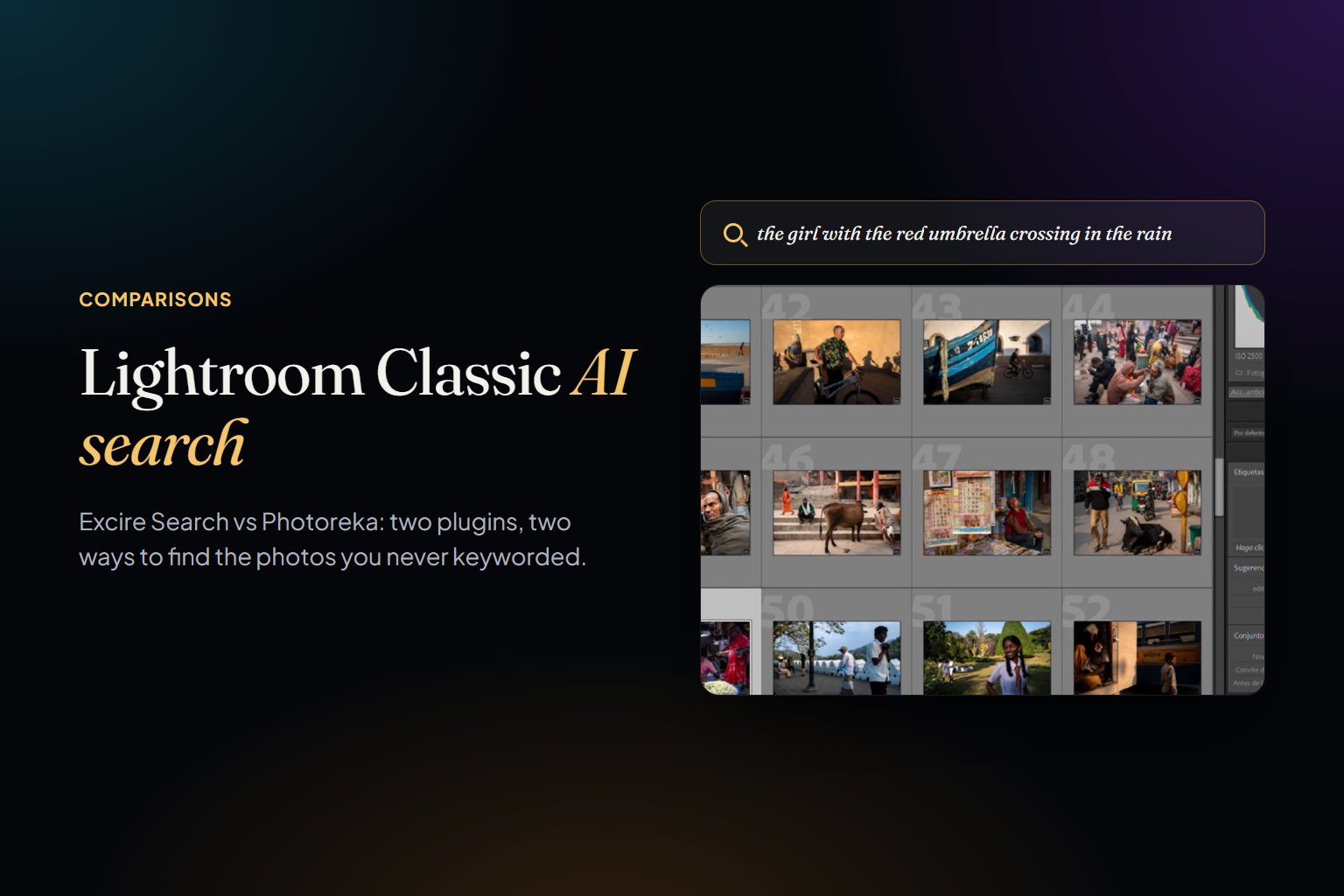
If you've ever typed into Lightroom Classic's search bar and found nothing, you already know the rule: Classic can only find what someone wrote down. Keywords, captions, ratings, camera, date. The frame you remember as 'the girl with the red umbrella crossing in the rain' is invisible unless you keyworded it exactly that way years ago — and almost nobody did.
There are now two serious ways to fix that without leaving Classic: Excire Search, the long-standing AI plugin from Excire, and Photoreka's Lightroom Classic plugin. They solve overlapping problems from very different starting points. This is an honest comparison of both — written by one of them, so we've tried to be especially careful with the other's strengths. First, though, the question most people actually search for.
Can Lightroom Classic Search Photos by Description?
Not natively, at the time of writing (November 2026). Lightroom Classic's search is the Library Filter bar — Text, Attribute and Metadata filters — plus keywords, Smart Collections and the People view, which uses face recognition to group the people you've named. It's precise and fast over whatever metadata exists. What it can't do is look at the pixels and match them to a sentence. Adobe keeps adding AI elsewhere in Classic: Assisted Culling scores open eyes and sharpness, and version 15.4 (June 2026) added automatic duplicate detection. Search by description isn't among those additions.
Adobe does have natural-language search — in Lightroom, the cloud-based app, not in Classic. Adobe's own tutorial shows queries like 'a man with an umbrella looking at a painting in a museum' or 'golden hour light on the water', and the release notes for the April 2026 desktop version (9.3) list natural-language search as a new feature. If your library already lives in Adobe's cloud ecosystem, try that first. If it lives in a Classic catalog, the answer today is a plugin.
What Excire Search Does Well
An honest comparison starts here. Excire Search 2026 is a mature, well-designed plugin that turns Lightroom Classic into something much closer to a modern, AI-indexed library. According to Excire, it offers prompt search ('backlit portrait', 'child in snow'), one-click similarity search, people search, duplicate and near-duplicate detection, automatic tagging that is written directly into your Lightroom catalog fields, aesthetic ratings to surface your best shots, AI-assisted culling that groups a shoot by scenes and people, automatic focus checking on faces, and — new in the 2026 version — video support. Everything runs locally on your computer, with no cloud involved at all.
It's also a straightforward purchase: a one-time license valid on both Mac and Windows, no subscription, with a 14-day trial. It requires Lightroom Classic 14 or newer and runs on macOS 11 or later and on Windows 10 and 11. For photographers who don't use Lightroom Classic, the same company sells Excire Foto, a standalone app.
Where the Walls Are
Excire's design goal is a smarter Lightroom catalog. That's its strength, and it also sets its limits: what it understands about a photo ends up as tags, ratings, groups and filters inside Classic. A few consequences follow from that.
- Keywords are a vocabulary, and vocabularies have edges. Automatic tagging is excellent for 'beach', 'dog' or 'portrait'. It will never write 'the quiet tension just before the gesture lands', because that isn't a keyword — even though it's exactly what you'll remember.
- Long descriptions are undocumented territory. Excire's examples are short phrases, and it doesn't publish which model powers its prompt search or how it handles long, multi-condition descriptions. If you tend to remember photos in full sentences, test exactly that during the trial.
- Culling is built around the shoot. Grouping by scenes and people, checking face sharpness, picking the best frame of a sequence — that's what a wedding or event workflow needs. It says much less about which photographs, across ten years of work, actually belong together.
- It stays inside Lightroom Classic. Photos in Google Photos, Dropbox or a folder outside the catalog are out of reach unless you also buy Excire Foto, which is a separate app.
- It stops at finding. There's no sequencing, no portfolio building, no conversation about a body of work and no view of the whole archive at once.
Photoreka's Different Starting Point
Photoreka's plugin isn't trying to be a better Lightroom catalog. It's a bridge from your catalog to a curation platform that sits on top of it.
1. Search by meaning, with a mode for each kind of question. Every photo becomes an embedding — a numerical description of composition, light, palette, subject and mood. You search it in three modes: Broad for moods and styles, Adaptive for cultural references like 'Blade Runner-inspired', and Precise, which verifies each candidate against your conditions instead of just ranking by similarity. There's no query length limit.
2. Your catalog stays exactly as it is. The plugin reads your catalog and never modifies your originals, your collections or your metadata. It sends small previews and metadata to Photoreka for analysis in the cloud; your full-resolution files never leave your computer.
3. Finding is step one. From Lightroom you can send photos to Photoreka in one click and keep going: artistic scoring, a 3D map of your whole catalog, portfolio sequencing, and an assistant you can talk to about your work.
Excire Search makes Lightroom Classic better at answering 'where is that photo?'. Photoreka is built for the question that comes after: 'which of these matter — and in what order?'
Feature by Feature
Search
Both plugins search by visual content without needing keywords first. Excire combines prompt search with similarity search and people search, all inside the Lightroom interface. Photoreka's search adds the three explicit modes described above, accepts descriptions of any length, and lets you use any photo as a query to find visually similar ones. The difference shows most with specific, multi-part memories — 'two people on a bench, one looking away, late light' — where Precise mode checks each condition instead of returning whatever is closest.
Where Excire is clearly ahead is people. Photoreka doesn't do face recognition, so 'every photo of my sister' is a job for Excire, or for Lightroom Classic's own People view.
Keywords and Your Catalog
This is the most practical difference between the two. Excire writes its tags into your Lightroom catalog fields, so they work with Classic's own filters and travel with your catalog. Photoreka deliberately doesn't touch your catalog metadata: its analysis lives in Photoreka, and the plugin brings search results back into Lightroom. If you want AI keywords permanently stored inside your catalog, Excire is the tool for that.
Culling vs. Artistic Scoring
Excire's culling, aesthetic ratings and face-sharpness checks are designed to get you from a full card to a clean selection quickly — and Lightroom Classic's own Assisted Culling now covers part of that ground too. Photoreka's scoring answers a different question. It scores every photo from 1 to 10 on eight separate artistic criteria — aesthetic quality, composition, storytelling, originality, message, humor, visual games and spontaneity, with subject clarity and commercial intent taking two of those places in the commercial profile — and lets you sort by any one of them. It doesn't check sharpness at all: a motion-blurred street frame with real energy can rank high on storytelling while it would fail a culler's focus check, which is how editors actually choose. Both tools detect duplicates.
Seeing the Whole Catalog
Here the two products stop overlapping. From Lightroom Classic you can launch Photoreka's 3D Atlas, which places your whole catalog in a navigable space clustered by visual similarity — the fastest way we know to see what you actually photograph, as opposed to what you think you photograph. On the web platform the same analysis feeds a portfolio builder that selects and sequences a set under visual and narrative constraints, and an AI photo assistant for reviewing a body of work. Excire has no equivalent to these, and isn't trying to.
Privacy, Workflow and Price
Excire runs fully offline; nothing leaves your machine. Photoreka needs an internet connection for the initial analysis and for search, analyzes small previews in the cloud — typically around 1,000 photos an hour while you keep working in Lightroom — and keeps your originals local. Excire is a one-time license with a 14-day trial. Photoreka's plugin is free with a Photoreka account, and you pay once per batch of analyzed photos, with no subscription. Excire requires Lightroom Classic 14 or newer; Photoreka's plugin works from Lightroom Classic 13.0.
The two also work at different moments. Excire's culling is built for the shoot, before anything has been kept. Photoreka is built for what comes after: a body of work of up to 50,000 photos, the scale at which a map of your catalog, a ranking or a sequence still says something about you rather than about your memory card. So if your catalog holds a decade of unculled weddings, the order is simple: run a first pass — with Excire, Lightroom's Assisted Culling or by hand — then bring the keepers to Photoreka. We explain why we built it that way in culling is not editing.
Where Excire Search Still Wins
Fairness requires this section. Excire processes everything locally, which settles the question if cloud analysis is a hard no for you. It writes keywords into your catalog. It does people search, which Photoreka doesn't. It handles video; Photoreka is photography-only. Its culling tools — scene grouping and face sharpness — are aimed squarely at high-volume shoots. And it lives entirely inside Lightroom, so there's no second interface to learn.
Which One Fits Your Catalog?
- Choose Excire Search if: you want everything inside Lightroom Classic and offline, you need people search, video or keywords written into the catalog, and your main job is finding and culling shoots.
- Choose Photoreka if: you remember photos in sentences rather than keywords, you want artistic scoring instead of a technical first pass, or your real goal isn't finding one photo — it's understanding, ranking and sequencing a body of work.
- Use both if: Excire already keeps your catalog tagged and culled, and what's missing is the editorial layer on top — which of your photographs are strongest, and what they say together.
See it on a real catalog
Try Photoreka's demo — nothing to install
Three search modes, artistic scores and the 3D Atlas on a real archive, straight from the browser.
One last note on philosophy. Excire's bet — that AI should make your existing Lightroom catalog smarter without taking anything away from you — is a good one, and it's why Photoreka's plugin never rewrites your metadata or moves your files either. Where we differ is on what the catalog is for. A catalog where every photo can be found is a solved retrieval problem. Deciding which ones deserve to be seen is the part that's still yours. Search is the floor. Curation is the point.