
Search for an AI photo organizer and you get a list that mixes very different things: cloud backups with a clever search box, desktop catalogs with face recognition, self-hosted servers, and a few tools that try to tell you which pictures are actually good. They all wear the same label, and they solve different problems. Picking the wrong one usually means migrating a library into something that answers a question you weren't asking.
This guide compares the tools we think a working photographer should consider in 2026, for what they actually do today. One disclosure up front: we make Photoreka, an AI photo organizer that is on the list. We've tried to describe every tool — ours included — by its real strengths and its real limits, and we checked competitor details against their official sites at the time of writing (November 2026). Prices and features move fast, so confirm before you buy.
Three Jobs Hiding Behind One Label
Almost every tool here does some mix of three jobs, and the mix is what really separates them:
- Keeping: where the files live, how they sync between devices, how they're backed up. Google Photos, Mylio and the self-hosted servers are strongest here.
- Finding: getting back to a photo you never tagged — search by content or description, faces, places, duplicates. Most tools now do some of this.
- Judging: telling you which frames are strongest and how they work together. Few tools attempt it, and they define 'best' very differently.
Decide which of the three is actually hurting before you compare feature lists. A great keeper won't fix a judging problem, and a great judge won't back up your archive.
The Short Version
- Excire Foto: a local desktop app for Windows and Mac with AI keywords, faces, duplicates and best-shot selection, sold as a one-time license.
- Peakto: a Mac app that unifies Lightroom, Capture One, Apple Photos and plain folders into one local, searchable view.
- Mylio Photos: keeps your files on your own devices and syncs them peer-to-peer across Windows, Mac, iOS and Android.
- Adobe Lightroom: natural-language search arrived in Lightroom Desktop and Web in 2026, at full strength only for photos in Adobe's cloud.
- Google Photos: the most convenient everyday search and the Ask Photos assistant, if you're happy to upload everything to Google.
- digiKam: a free, open-source, offline catalog for Windows, Mac and Linux with faces, auto-tags and a technical quality scanner.
- Immich and PhotoPrism: self-hosted, open-source libraries with semantic search and faces, for people willing to run a server.
- Photoreka: a browser-based layer on top of the storage you already have, built for the photos you kept — search by description, artistic scoring and sequencing for a body of work of up to 50,000 photos.
1. Excire Foto
Excire Foto (currently Excire Foto 2027) is a standalone photo and video manager for Windows and macOS, and its defining choice is that everything runs locally: the AI analyzes your photos on your own computer, and Excire states it doesn't use a cloud at all. On top of that sits one of the broadest AI toolkits in this list — automatic keywording, free-text content search, face search (including by age group and expression), duplicate removal, and a 'find your best shots' selection that weighs aesthetics, sharpness and facial expressions, with a survey view and automatic grouping by people, scene or sequence to speed up culling.
Limits: it's a desktop catalog, so the library lives on one computer and you work where that computer is. Its idea of a 'best shot' blends aesthetics with technical signals like sharpness and open eyes — very useful for culling a shoot, less so for deciding which frames carry a body of work. Pricing: a one-time license with no subscription; major version upgrades are paid, with a discount for existing customers. If you live in Lightroom Classic, the same company sells Excire Search, a plugin that brings its search and culling into Lightroom.
Best for: photographers who want serious AI organization on Windows or Mac, completely offline, paid once.
2. Peakto
Peakto, by the French developer CYME, solves fragmentation. It's a native Mac app that indexes Lightroom, Capture One, Luminar Neo, Apple Photos, Aperture and plain folders into a single view without moving your originals, then adds natural-language search, face tagging, color analysis and keyword suggestions — with the AI running locally on your Mac. It also takes video seriously, with tools aimed at editors, and a web app now lets you reach your library from any browser.
Limits: the engine is a Mac app. The browser access is a window onto a library indexed on a Mac, not a Windows or Linux version of Peakto. Pricing: at the time of writing (November 2026), subscription plans billed monthly, yearly or every two years, plus a Standard lifetime license; higher tiers add collaboration features. We compared the two tools in detail in Peakto vs Photoreka.
Best for: Mac photographers whose work is scattered across several catalogs and editing apps, and creators who need the same tool for stills and footage.
3. Mylio Photos
Mylio Photos is built on a different idea: your library should live on your own devices and follow you between them. It runs on Windows, macOS, iOS and Android, syncs peer-to-peer between your devices with no cloud upload required, and lets you decide where files are stored — locally, on external drives, or in its optional encrypted cloud. The AI side covers offline face recognition, search that needs no tagging, duplicate removal, and help rating and tagging photos faster.
Limits: Mylio's AI is aimed at finding and tidying a lifetime of photos, videos and documents, not at judging photographs as work; it doesn't score images artistically. Pricing: you can start for free, and the full feature set sits on paid personal plans (individual or family), so check the current price on its site.
Best for: photographers who want one library across computer and phone without handing it to a big cloud provider.
4. Adobe Lightroom
If you already pay for Adobe's Photography plan, check this one first. In 2026 Lightroom — the cloud-based Desktop and Web apps, not Lightroom Classic — gained natural-language search: describe a scene and it returns matching photos you never tagged. Lightroom Classic and Lightroom Desktop also have Assisted Culling, which scores subject and eye focus and flags exposure problems across a whole batch.
Limits: the full visual search needs your photos in Adobe's cloud; on local photos, search is limited to the metadata stored in the files. Lightroom Classic, still where many professionals keep their catalog, doesn't get the new search at all. And culling here means rejecting technical failures, not ranking what's left. Pricing: part of an Adobe Creative Cloud subscription. Lightroom Classic users can fill the search gap with a plugin: Excire Search, or our own Lightroom Classic plugin.
Best for: photographers already editing in Lightroom Desktop with their library synced to Adobe's cloud.
5. Google Photos
Google Photos has the most polished everyday search of any tool here: type what you remember and it usually finds it, across people, places, things and text inside images. Its Ask Photos assistant, powered by Gemini, lets you ask questions about your library in plain conversation. It expanded to more than 100 countries in late 2025, but availability still depends on your country and language.
Limits: Google Photos is storage first — anything you want to search has to be uploaded to Google, which is a non-starter for some photographers and impractical for large RAW archives. It's designed around memories (people, trips, highlights) rather than bodies of work, and it won't tell you which frames are your strongest. Pricing: 15 GB of free storage shared with your Google account, then a paid Google One plan for more.
Best for: personal and family photos, and photographers who already back up to Google and want effortless search. Photoreka can import from Google Photos if you'd like to curate on top of it.
6. digiKam
digiKam is the long-standing open-source answer: free, offline and native on Windows, macOS and Linux, with a real database, RAW and video support, face recognition, AI auto-tagging, and an Image Quality Scanner that flags blur, noise and bad exposure. The latest stable release at the time of writing is 9.1 (June 2026), and a natural-language search powered by a local LLM is on its way in 9.2 — it turns your sentence into metadata filters rather than looking at the images themselves.
Limits: its intelligence lives in metadata — tags, labels and fields — and its quality checks are technical rather than artistic. It's powerful and dense, with a real learning curve. Our digiKam vs Photoreka comparison goes deeper. Pricing: free.
Best for: photographers who want a free, offline, vendor-free catalog and are willing to invest time in learning it.
7. Immich and PhotoPrism (Self-Hosted)
If you'd rather run your own Google Photos, these are the two serious options. Immich is open source (AGPL), with mobile apps for Android and iOS, CLIP-based smart search for freeform descriptions, face recognition, and search by text inside images, location, camera and more. PhotoPrism is also open source and browser-based, with AI labels, face recognition and — more recently — captions generated through Ollama or the OpenAI API; its Community edition is free, with paid memberships for extra features.
Limits: you're the operator — a server, storage, updates, backups you actually test, and enough memory for the machine-learning side. Both are built around memories and household libraries rather than portfolios, and neither scores photos as artwork. More in PhotoPrism vs Photoreka. Pricing: the software is free; you pay in hardware and time.
Best for: technically comfortable photographers who want full ownership and a private library on every device.
8. Photoreka
Photoreka is our tool, so read this section with that in mind. It isn't a place to store photos. It's a browser-based layer that analyzes the library you already have — from local folders, Google Photos, Google Drive, Dropbox, or Lightroom Classic through an official plugin — and it works from compressed previews, so your originals stay exactly where they are. It runs the same way on Windows, macOS and Linux, with nothing to install.
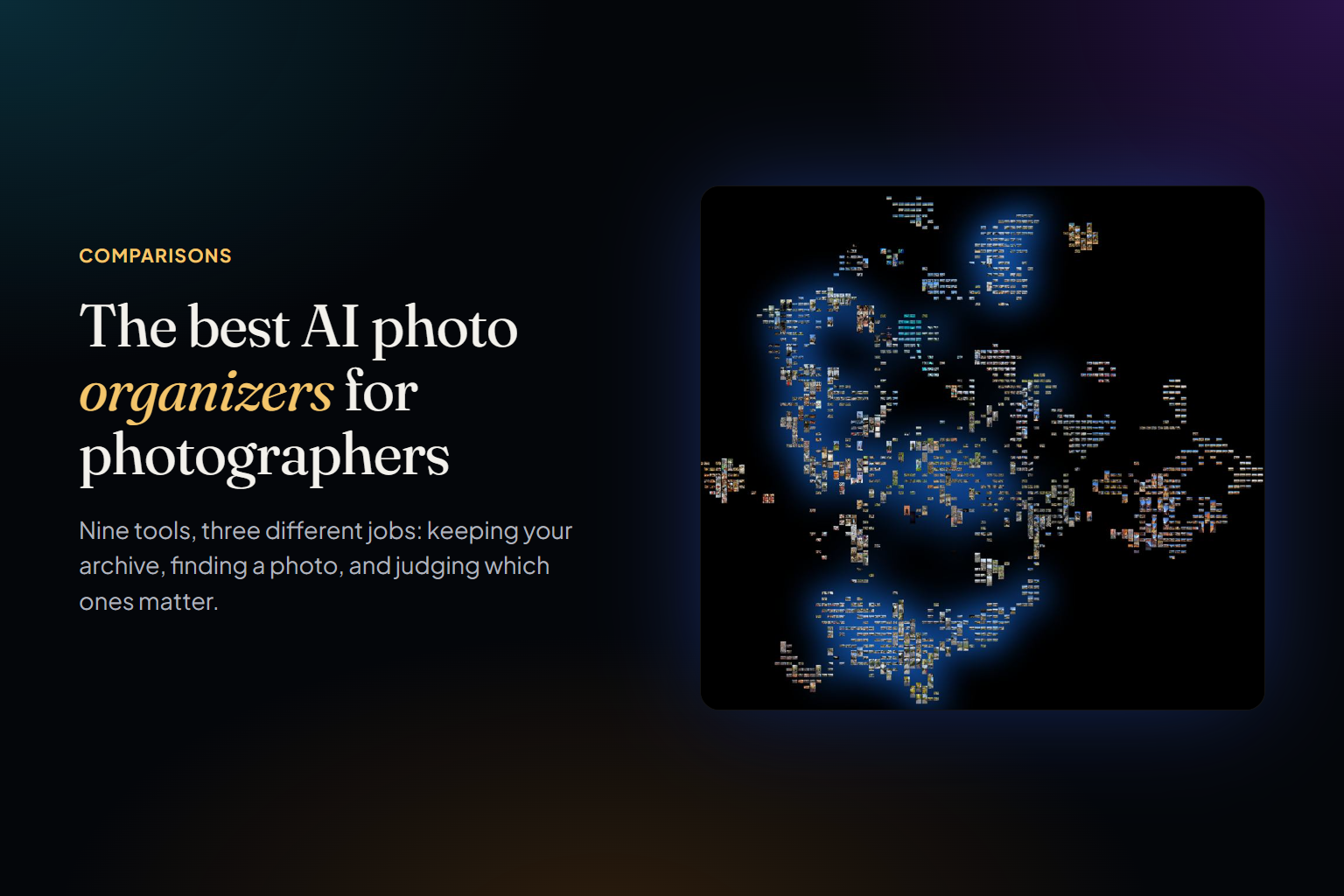
What it adds is finding and judging. Search works against the image itself, in three modes (Broad, Adaptive and Precise) with no query length limit. Every photo is scored from 1 to 10 on eight artistic criteria — aesthetic quality, composition, storytelling, originality and more — kept separate, so you can rank the same catalog differently for a gallery submission than for a client pitch. You also get automatic tags, near-duplicate detection, a 2D/3D map that groups the whole library by visual similarity, and a world map that uses AI to estimate where photos without GPS were taken.
What it isn't: a backup, a video library or a people manager — there's no face recognition, and the analysis happens in the cloud, so it isn't for anyone who needs everything offline. It's sized on purpose for a body of work of up to 50,000 photos: the frames you kept, not every snapshot you took. That's what lets it judge, map and sequence the set as a whole instead of just indexing it; we explain the choice in culling is not editing. Pricing: no subscription; you pay once per batch of photos analyzed. At the time of writing (November 2026), 500 photos cost €9.90, 2,500 cost €36 and 10,000 cost €89, and new accounts get 100 photos and 500 credits free. If you only want an AI jury to rank one folder, Photoreka Picks does that without an account.
Best for: photographers whose files are already stored somewhere and whose real problem is finding photos by what's in them and deciding which ones are worth showing.
How to Choose
Start from the job, not from the feature list:
- Choose Excire Foto if: you want strong AI organization on Windows or Mac, everything offline, paid once.
- Choose Peakto if: you're on a Mac and your photos and videos are scattered across Lightroom, Capture One and Apple Photos.
- Choose Mylio Photos if: you want one library across your computer and phone, stored on your own devices.
- Choose Lightroom if: you already work in Lightroom Desktop with your photos synced to Adobe's cloud.
- Choose Google Photos if: convenience matters most and uploading everything to Google is fine with you.
- Choose digiKam if: you want free, open source and offline, and you'll put in the time to learn it.
- Choose Immich or PhotoPrism if: you want to own the whole stack and you're comfortable running a server.
- Choose Photoreka if: storage is already solved and what you need is to search by description and score your work artistically, on any operating system, without a subscription.
Plenty of photographers end up with two: one tool that keeps the archive and one that helps them judge it. That isn't indecision — those really are different jobs, done at different moments: the keeper holds everything you shot, the judge works on what you decided to keep. The tools that try to do both usually do one of them better.
See it on a real archive
Try Photoreka's demo — nothing to install
Semantic search, artistic scores, and the 3D Atlas on a real catalog, straight from the browser.
One last note. 'AI photo organizer' has become a label for everything from a backup service to a culling assistant, and the best tool on this list for someone else can be the wrong one for you. Ask which of the three jobs is actually hurting — keeping, finding or judging — and the shortlist usually writes itself. Organization is the floor. Curation is the point.