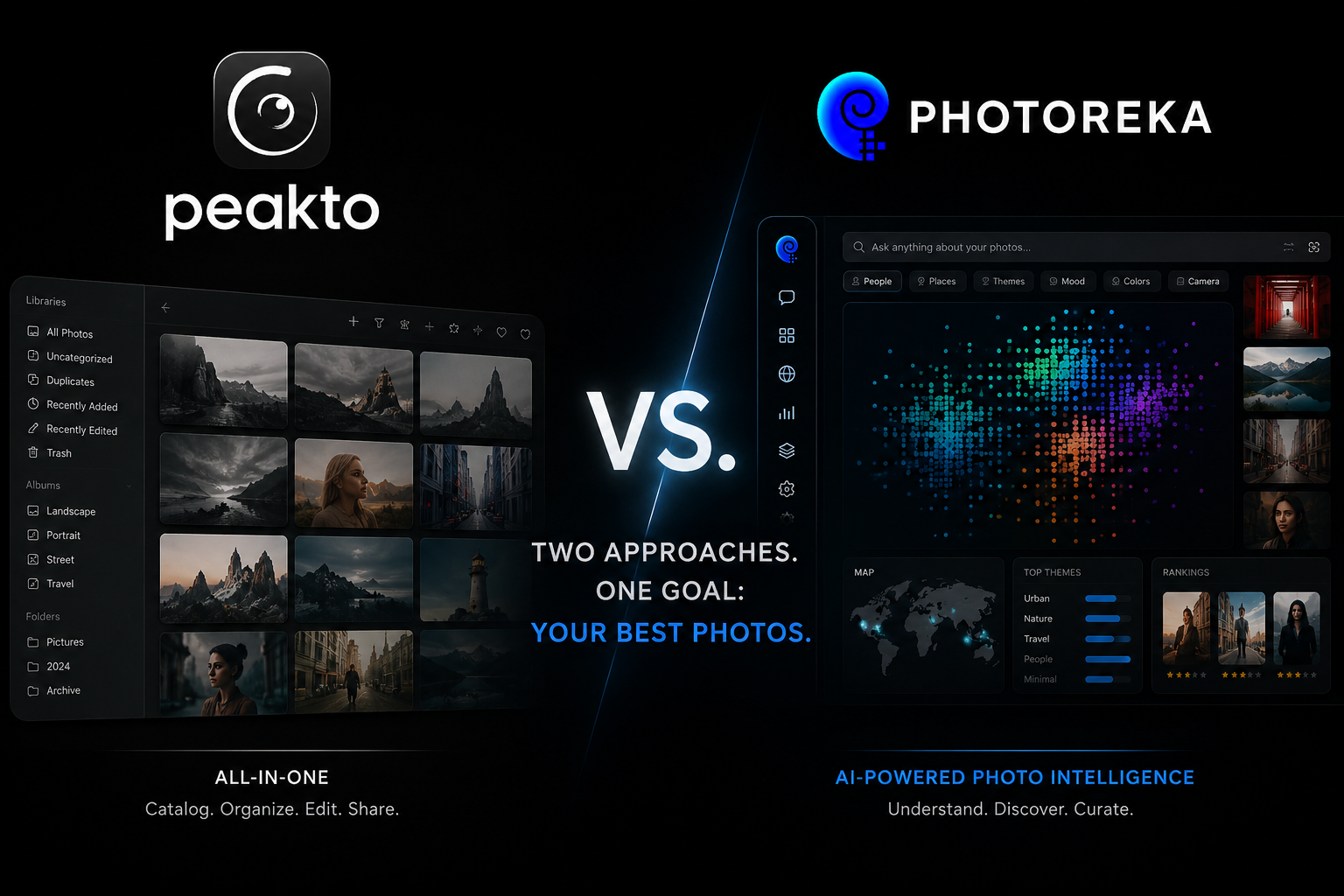
Let's start with credit where it's due: Peakto, by French developer CYME, is one of the most genuinely interesting photo tools of the last few years. It pioneered an idea we deeply agree with — that photographers don't need another place to store photos, they need an intelligence layer that understands the photos they already have. If you're reading this, you've probably seen Peakto's AI-sorted Panorama view or its aesthetic scoring and thought: this is what my archive needs.
And then you hit one of two walls. Either you opened the download page and found it's Mac-only, or you looked at the subscription pricing and did the multi-year math. This article is for photographers who want what Peakto promises — AI-powered organization and curation on top of an existing library — but on Windows, on Linux, or simply without a monthly fee.
What Peakto Does Well
An honest comparison starts here. Peakto's core strength is being a meta-catalog for the Mac ecosystem: it indexes Apple Photos, Lightroom Classic, Capture One, Luminar, DxO PhotoLab, and plain folders into one searchable view — without moving or duplicating your originals. If your library is scattered across three or more Mac apps accumulated over a decade, Peakto is genuinely the only tool built to unify them in place. It also processes everything locally, handles video alongside stills, and its AI-generated albums and aesthetic scores are solid.
If you're a Mac user whose main pain is fragmentation — photos split across Apple Photos, Lightroom, and Capture One catalogs — and you want a local desktop app that unifies them, Peakto is a good choice and we're happy to say so. The rest of this article is about a different problem.
Where the Walls Are
- Mac-only. There is no Windows or Linux version, and none has been announced. Roughly two out of three photographers edit on Windows.
- Subscription-priced. The intelligence layer over your own archive stops working the month you stop paying.
- Organization-first, curation-second. Peakto excels at unifying and finding, but it is not built around the next step: scoring a body of work across artistic dimensions, sequencing a portfolio, or interrogating your archive in conversation.
- Single-mode AI search. Search is associative — great for 'show me something like this', with no way to enforce precise, verifiable conditions.
Photoreka's Different Starting Point
Photoreka shares Peakto's founding conviction — your files stay where they are; the intelligence comes to them — but makes three structurally different choices.
1. Web-based, so platform stops mattering. Photoreka runs in the browser on Windows, Mac, and Linux. It connects to Lightroom Classic (via an official plugin), Google Photos, Dropbox, and local files. Analysis runs in the cloud from compressed previews; your full-resolution originals never leave your machine.
2. Pay per batch, not per month. You pay once to analyze a set of photos. The resulting organization — tags, scores, embeddings, maps — is yours; there's no monthly fee to keep accessing it.
3. Curation is the destination, not a feature. Organizing is step one. Photoreka is built for what comes after: choosing, ranking, and sequencing the work that matters.
An organizer answers 'where is it?'. A curation tool answers 'which ones — and in what order?'. Most archives are stuck on the first question when the second one is the one that pays.
Feature by Feature
AI Search
Both tools offer semantic search over untagged photos. Peakto's is single-mode and associative. Photoreka offers three explicit modes: Broad (pure embedding similarity, for moods and styles), Adaptive (expands cultural references like 'Blade Runner-inspired' into their implicit visual vocabulary), and Precise (a logical inference layer that verifies each result against your conditions — 'exactly three people, one looking away' means exactly that). There is no query length limit, unlike CLIP-based tools that silently truncate long descriptions at ~77 tokens.
Scoring and Aesthetic Analysis
Peakto computes an aesthetic score that blends aesthetics, composition, and technique into a global number used by its Panorama view. Photoreka's scoring keeps the dimensions separate — aesthetics, composition, narrative strength, originality, visual games, humor, candidness, plus subject clarity and commercial intent for commercial work — so you can rank the same catalog differently for a gallery submission than for a stock pitch.
Beyond Organization
This is where the two products stop overlapping. Photoreka includes a portfolio builder that selects and sequences 10–40 images under coherence constraints (visual, chromatic, narrative), a conversational assistant that can critique your portfolio and track your evolution over time, style and pattern reports, and a 2D/3D atlas that renders the entire archive as a navigable space. Peakto's Panorama offers a taste of that spatial idea; the Atlas is built around it.
Where Peakto Still Wins
Fairness requires this section. Peakto indexes more Mac apps (Apple Photos, Capture One, Luminar, DxO) than Photoreka connects to. It handles video; Photoreka is photography-only. It processes everything locally, which matters if cloud analysis is a hard no for you. And as a native desktop app, it can watch folders continuously rather than working in analysis batches.
The Short Version
- Choose Peakto if: you're Mac-only, your problem is fragmentation across Apple Photos / Capture One / Luminar catalogs, you need video support, or local-only processing is non-negotiable.
- Choose Photoreka if: you're on Windows or Linux (or move between machines), you'd rather pay per photo batch than per month, or your real goal isn't just organizing the archive — it's curating it: scoring, selecting, sequencing, and understanding a body of work.
Try Photoreka's demo — no Mac required
Search, scores, and the 3D Atlas on a real catalog, straight from the browser.
One last note on philosophy: we think CYME is right that the future of photo management is an intelligence layer over storage you already own. The disagreement is about where that layer should live (any browser, not one OS), how it should be paid for (once per analysis, not forever), and what it should ultimately be for. Organization is the floor. Curation is the point.